Quick Links:
- How to start the Secure Trade registration process as a seller
- How to start the Secure Trade registration process as a buyer
- Registering for Secure Trade as an individual
- Registering for Secure Trade as a business
Looking to buy or sell something? Then Junk Mail is the place to do it!
To buy and sell safely on Junk Mail, you need to register for Secure Trade. Secure Trade is an escrow service provided by Truzo and is fully integrated on the Junk Mail website for your convenience.
Below, we’ll explain how you can register for Secure Trade, but we’ll split it up into an explanation for the seller and an explanation for the buyer.
How to start the Secure Trade registration process as a seller
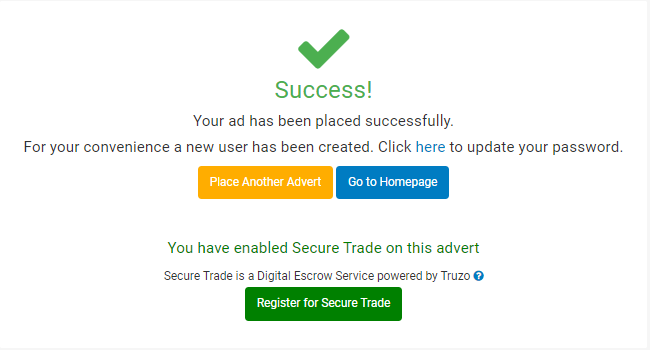
After placing a Secure Trade enabled advert on Junk Mail, you’ll be prompted to register in two different ways:
Below the success message after placing an advert, you’ll see a button that says ‘Register for Secure Trade’
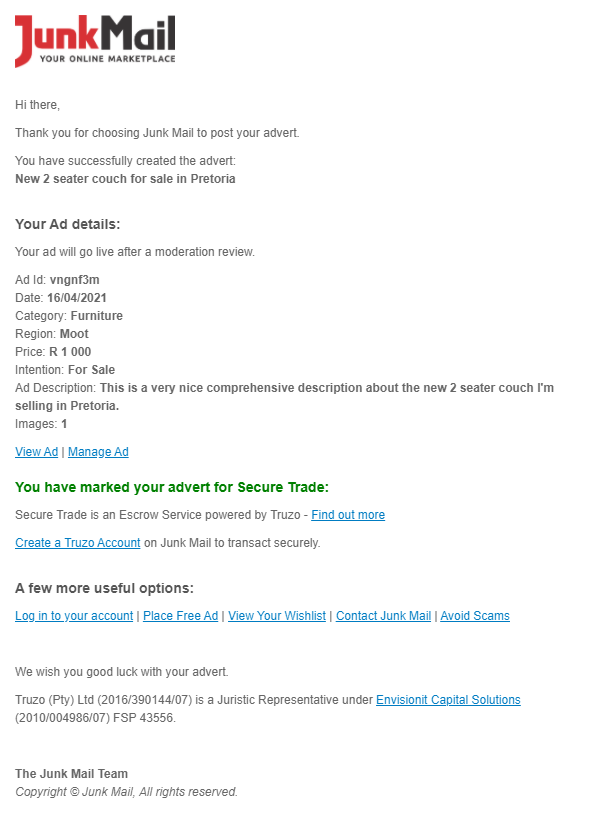
You’ll also receive an email with the details of the advert you’ve placed. In this email, we’ll notify you that your advert has been Secure Trade enabled and we’ll provide you with a link to register for Secure Trade.
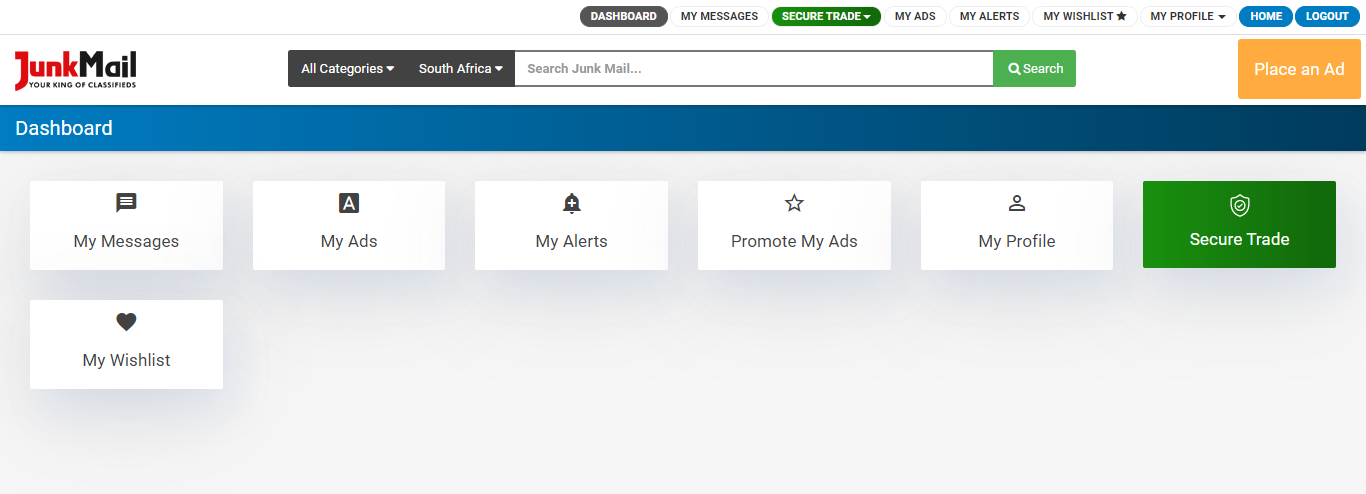
You can also log in to your Junk Mail dashboard and visit the Secure Trade section to register.
How to start the Secure Trade registration process as a buyer
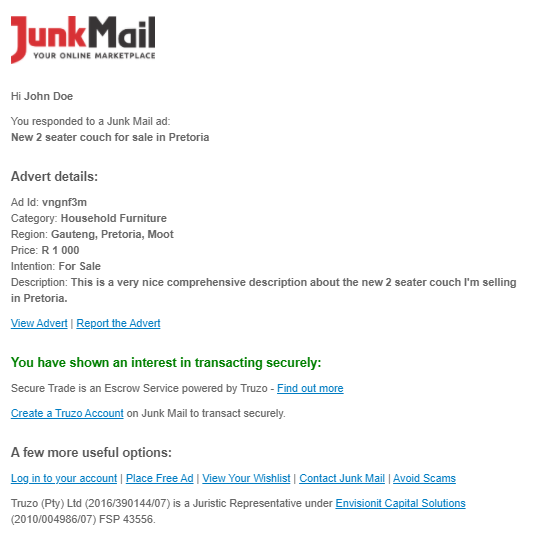
If you have enquired about a Secure Trade advert, you’ll receive an email from Junk Mail stating the details of your enquiry. In this email, you’ll find a link saying ‘Register for Secure Trade’, which will take you straight to the registration form.
Registering for Secure Trade as an individual
Registering for Secure Trade is FREE! You can register by following the steps below.
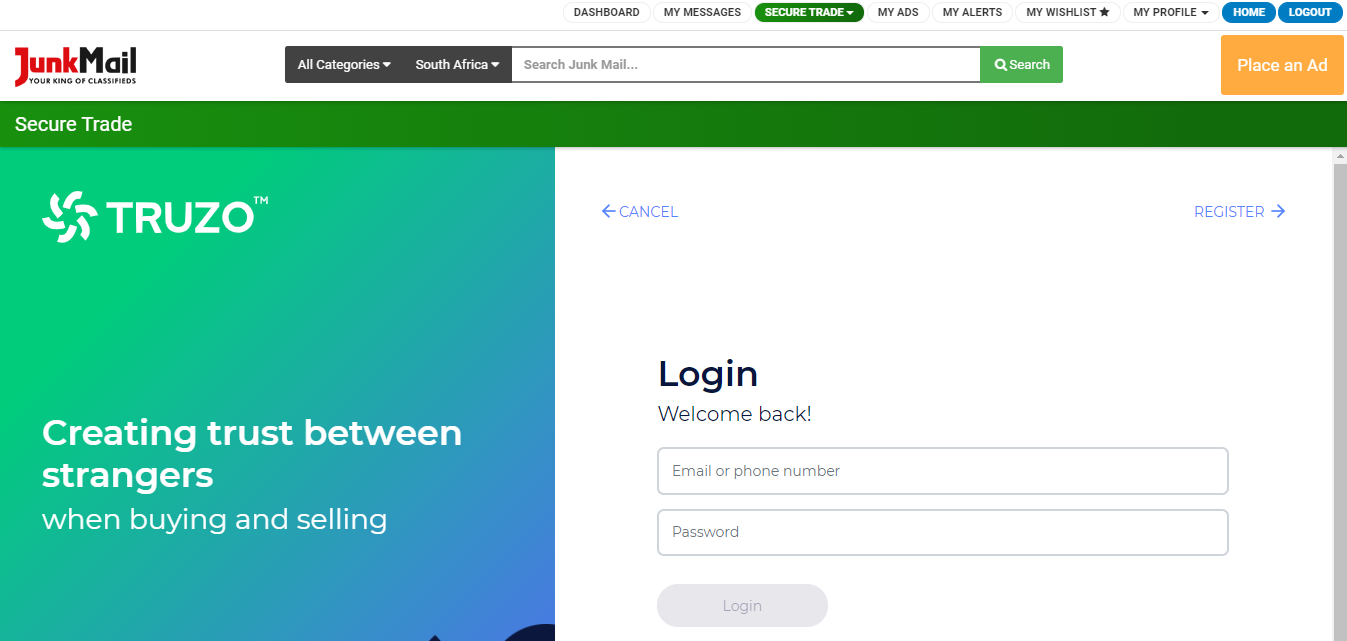
Step 1:
Go to the registration page and click register in the top right-hand corner.
Step 2:
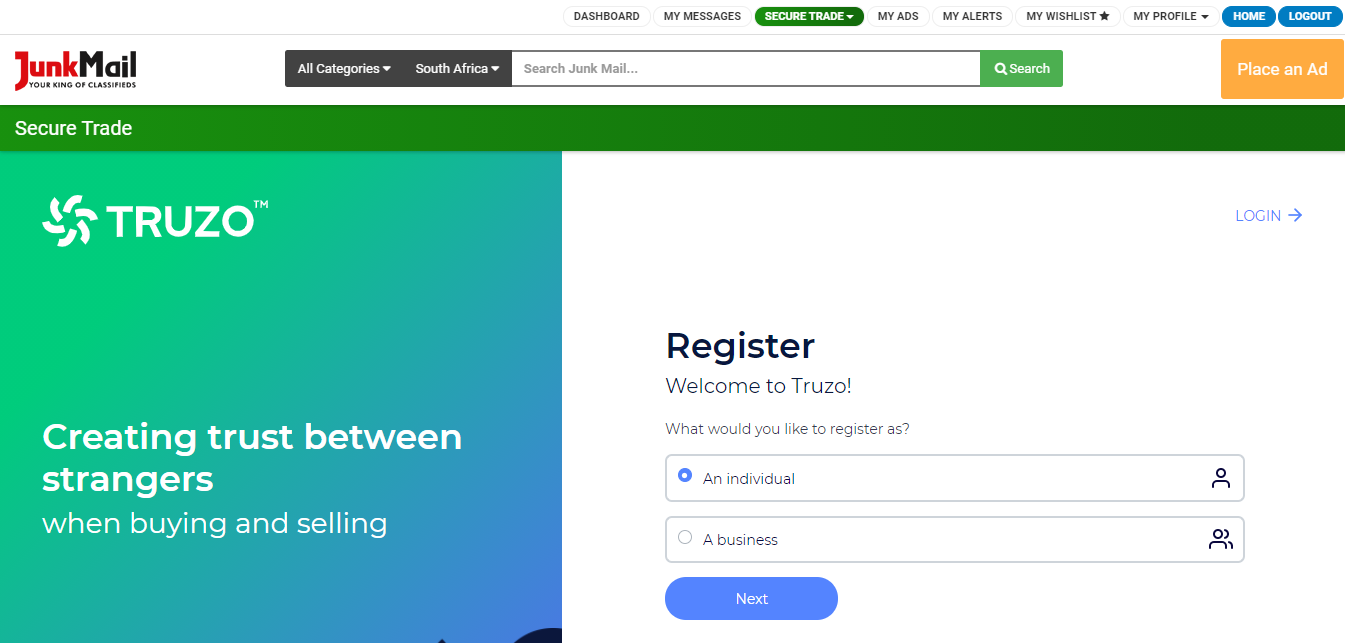
Select whether you are registering as an individual or a business. In this case, select ‘Individual’.
Step 3:
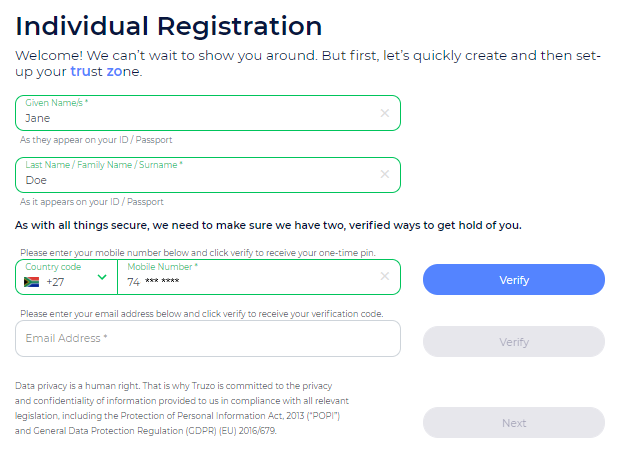
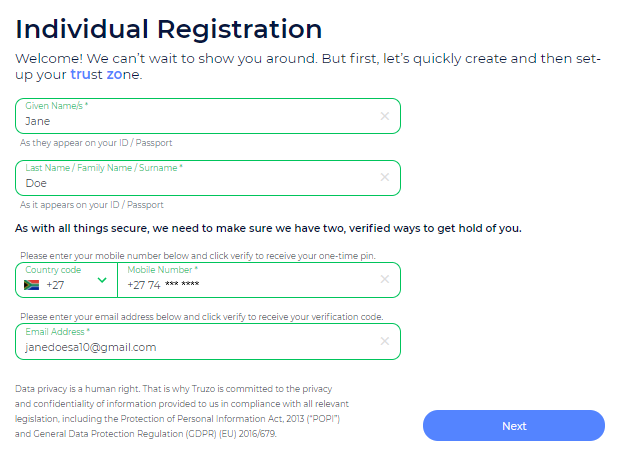
Fill in your basic contact details to create your profile.
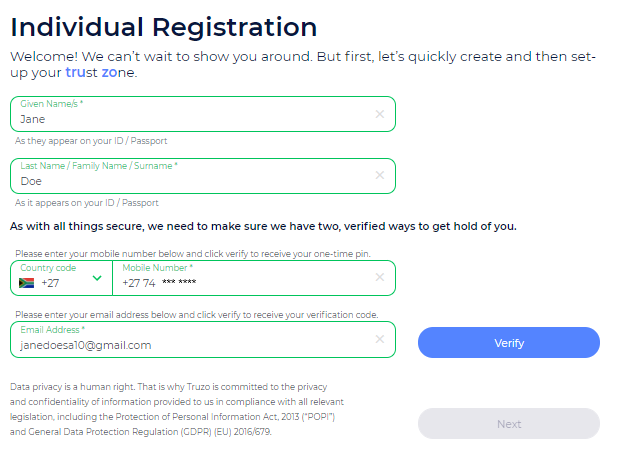
You’ll need to enter your first name (as per your identity document/ passport), last name (as per your identity document/ passport), contact number, and email address.
Please make sure you use the same email address as the one you are using for your Junk Mail account.
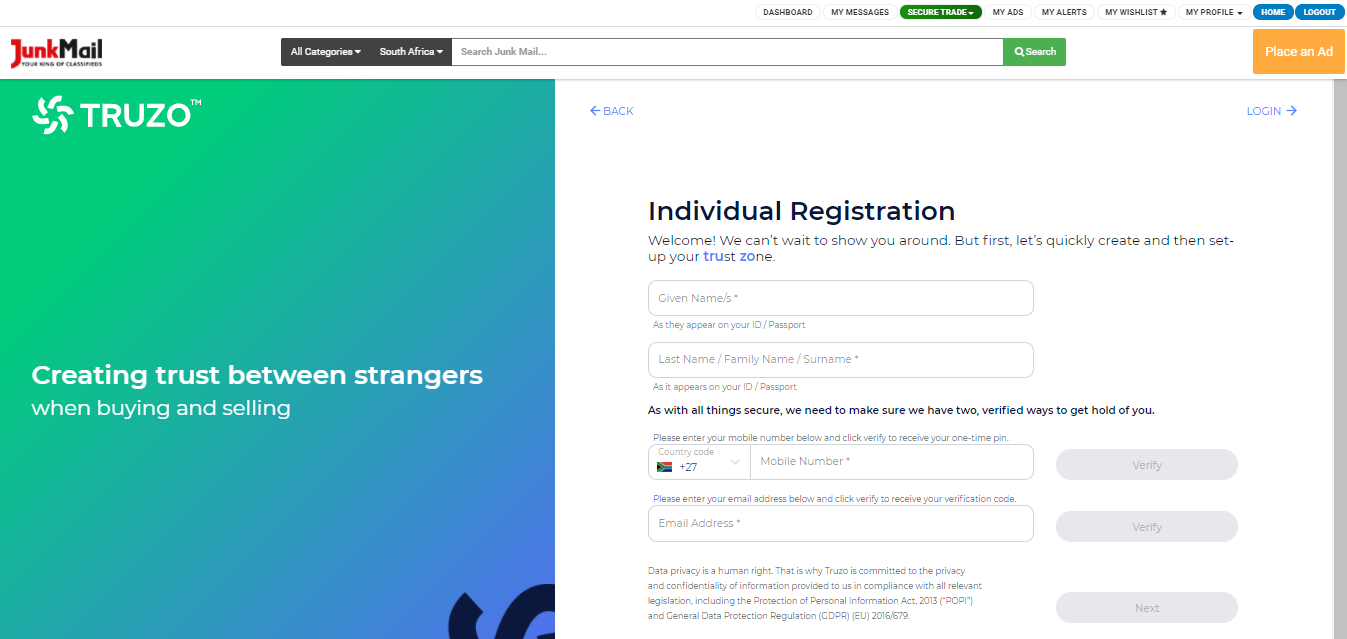
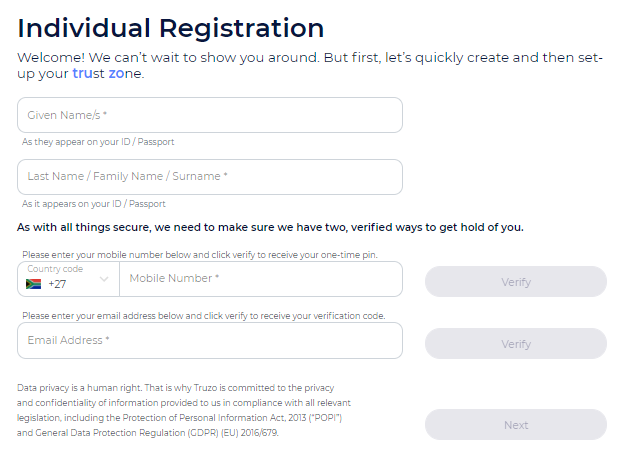
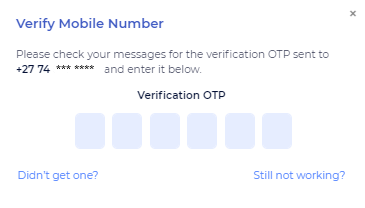
You’ll need to verify your contact number and email address by clicking ‘Verify’ next to each item and filling in the codes sent to you.
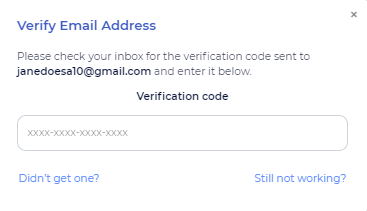
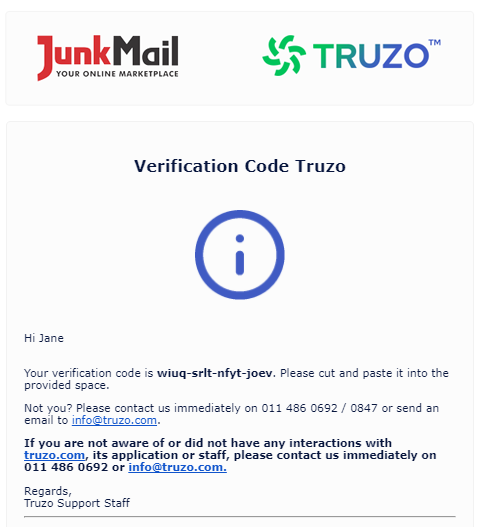
If you don’t receive your email verification, please check your spam folder.
Step 4:
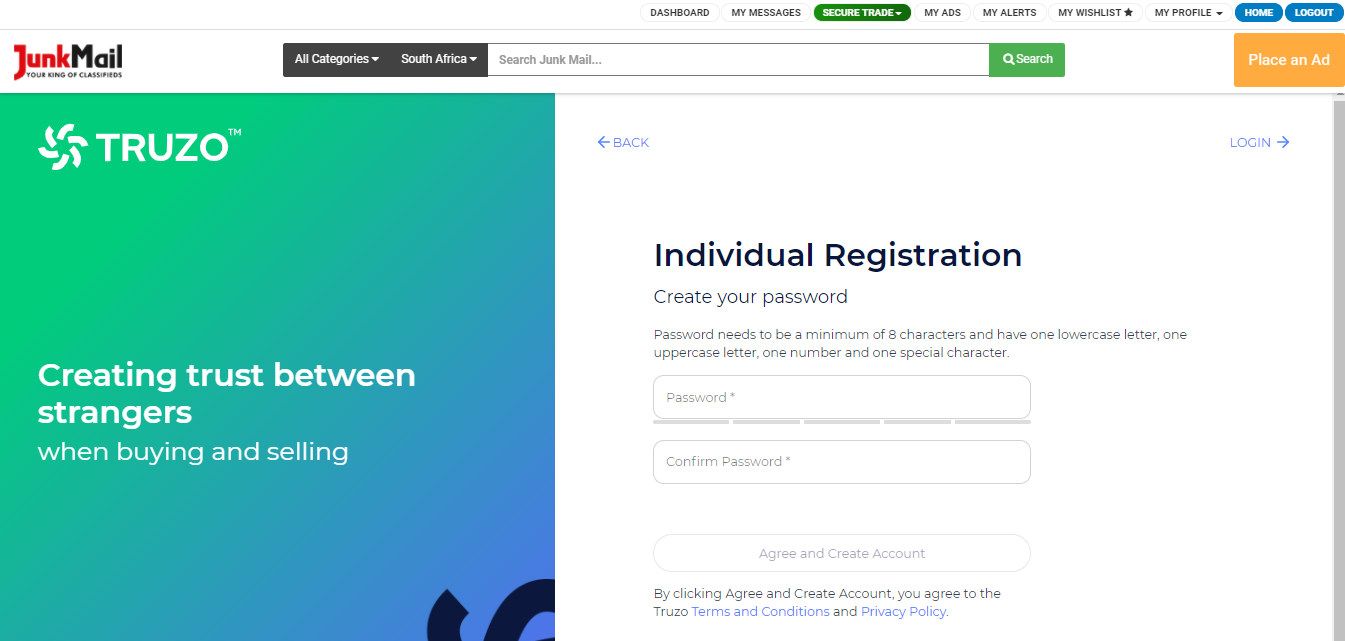
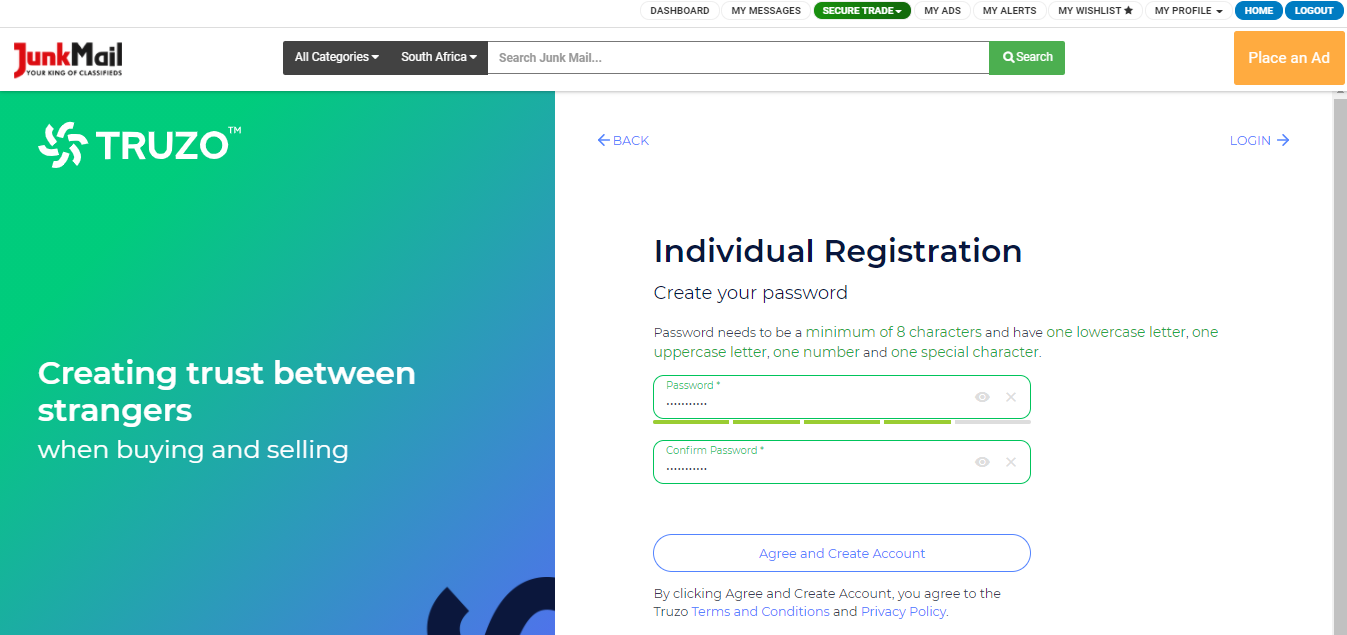
Create a password for your account. Use the directions as indicated on the screen.
Step 5:
Click on ‘Register Me’ to successfully create your profile with Truzo.
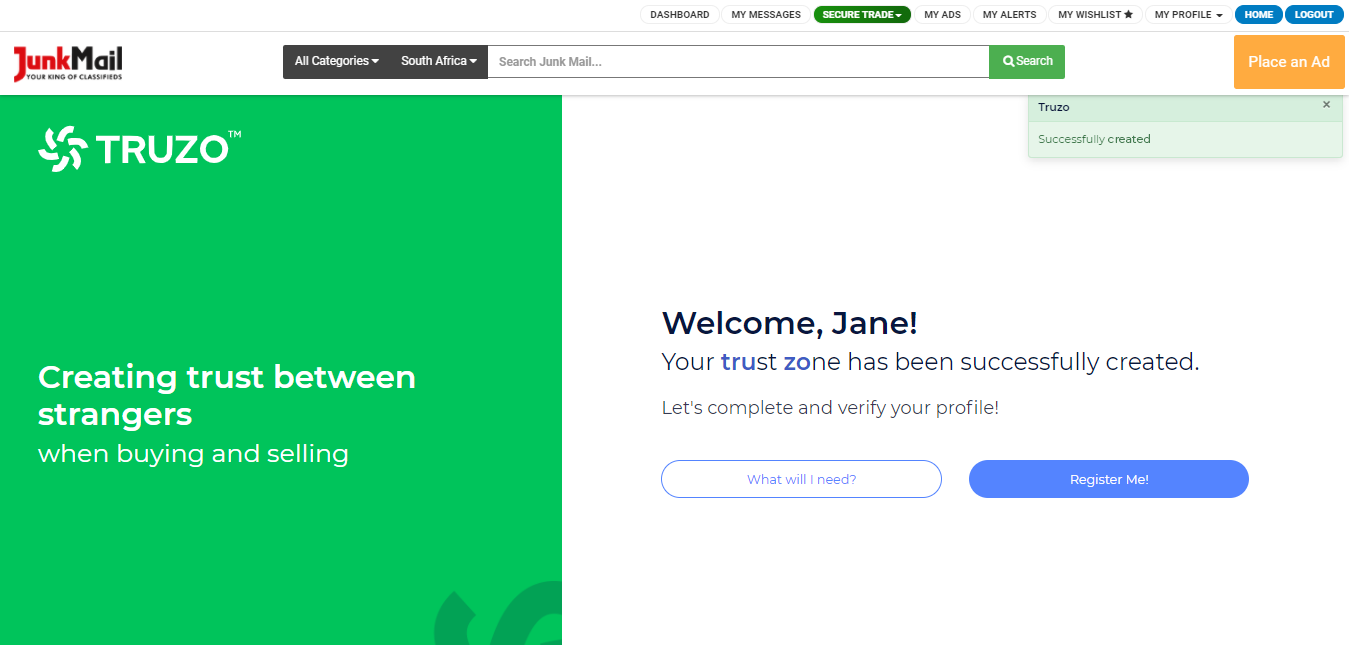
You will receive an email when your account has been successfully created.
Step 6:
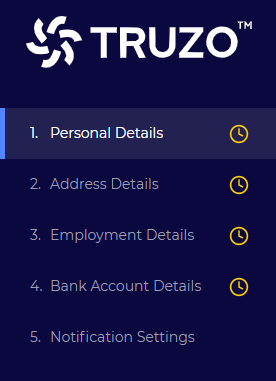
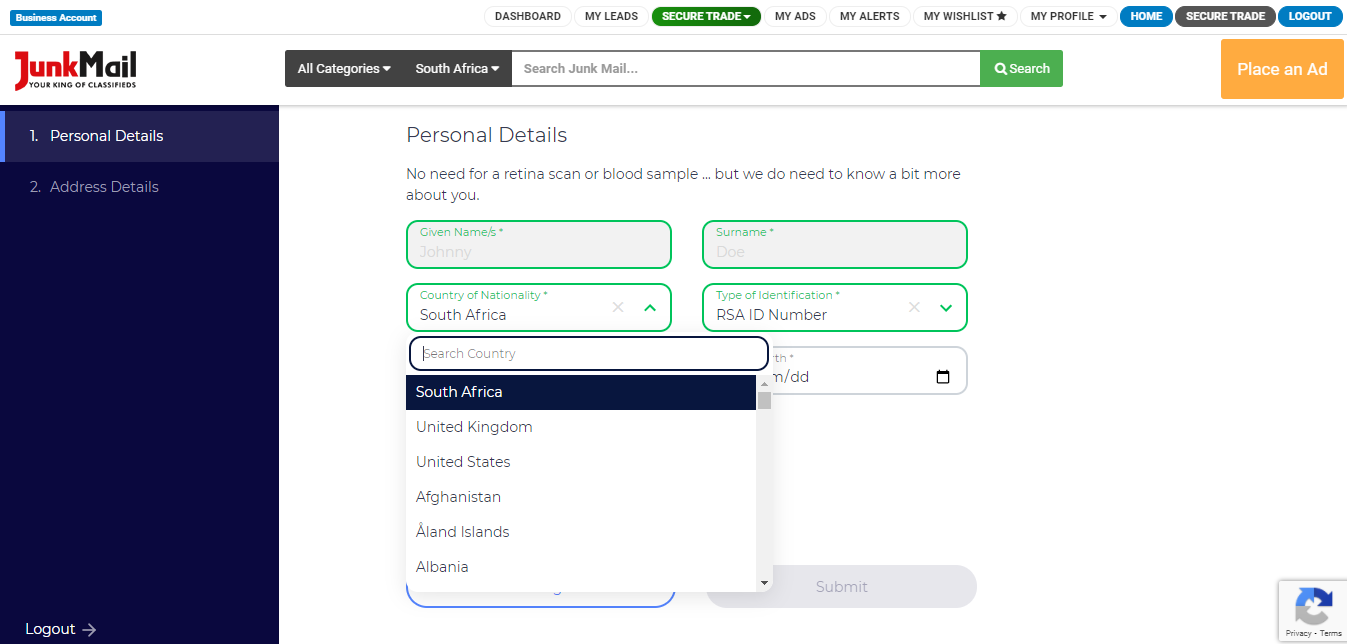
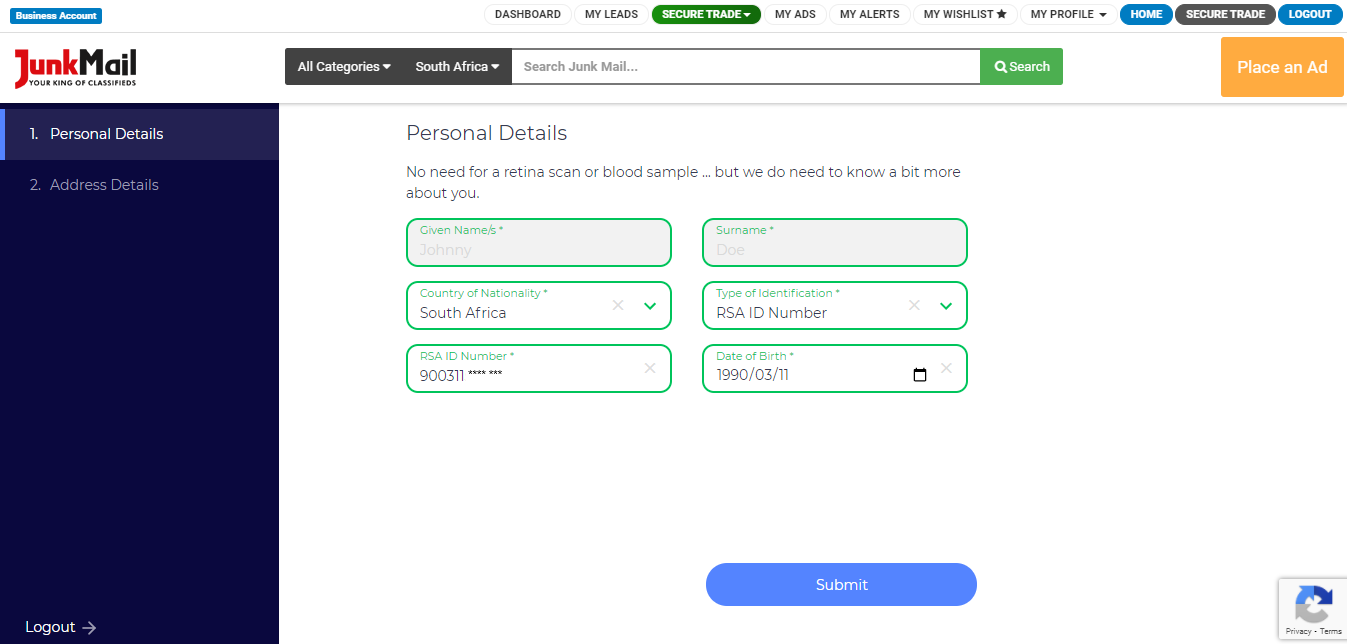
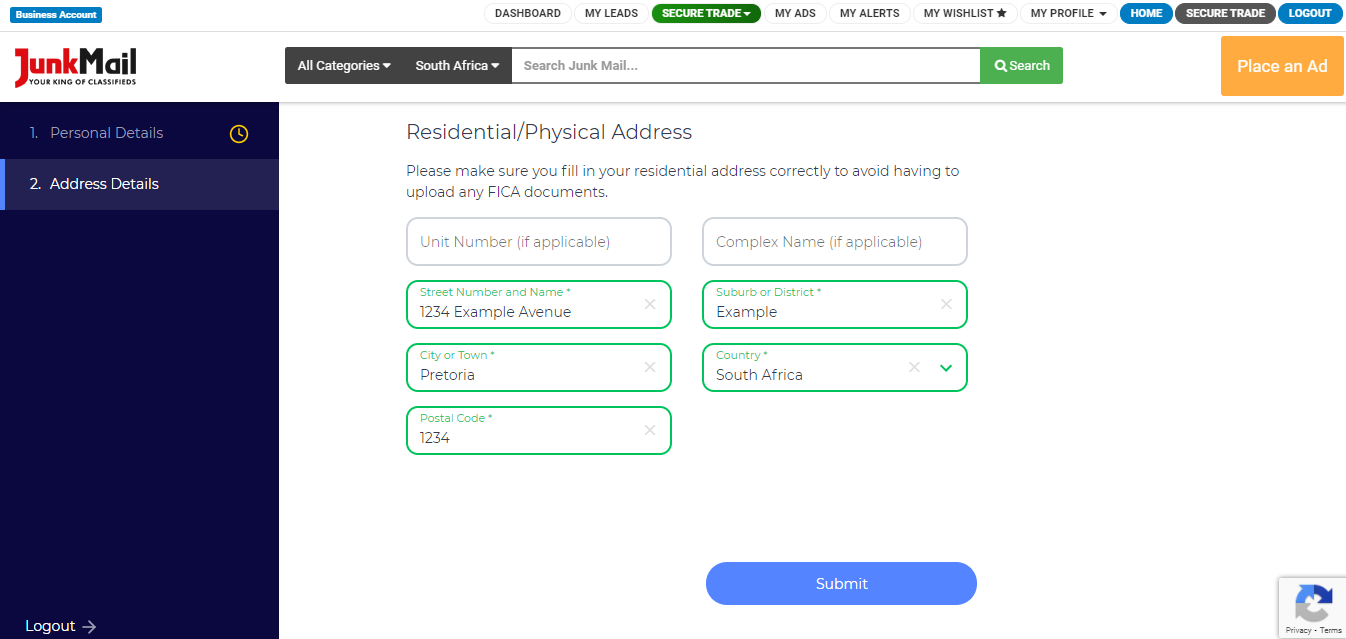
Complete your profile by filling in your:
Personal Details
- Name
- Surname
- Nationality
- ID type
- ID number
- Date of birth
Address Details
- Unit number (if applicable)
- Complex name (if applicable)
- Street number and name
- Suburb
- City or town
- Country
- Postal code
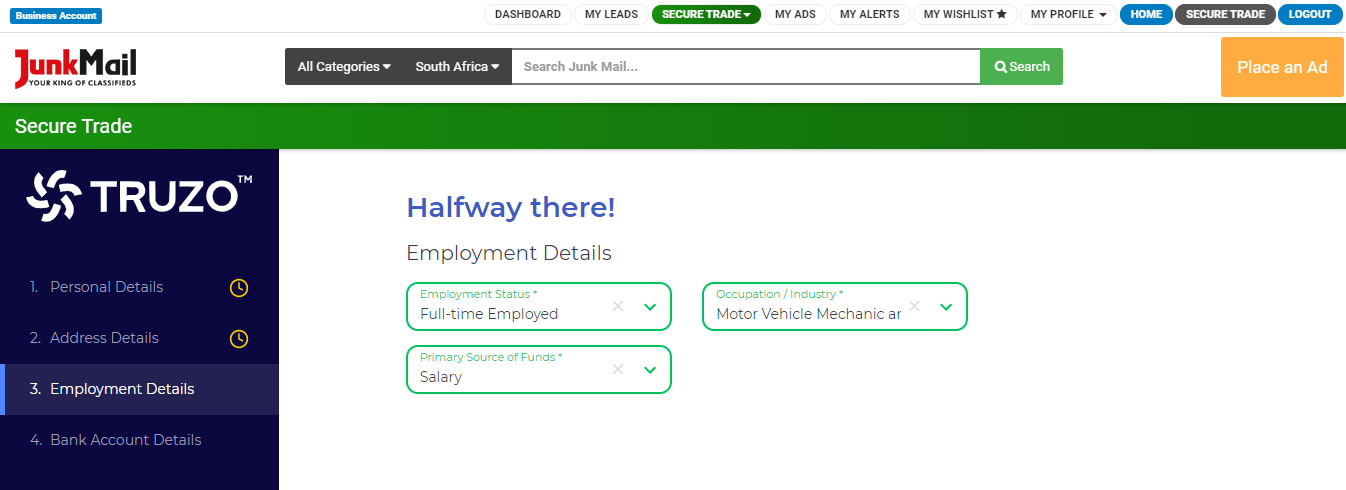
Employment Details
- Employment status
- Occupation/industry
- Primary source of funds, such as salary, pension, grant, etc.
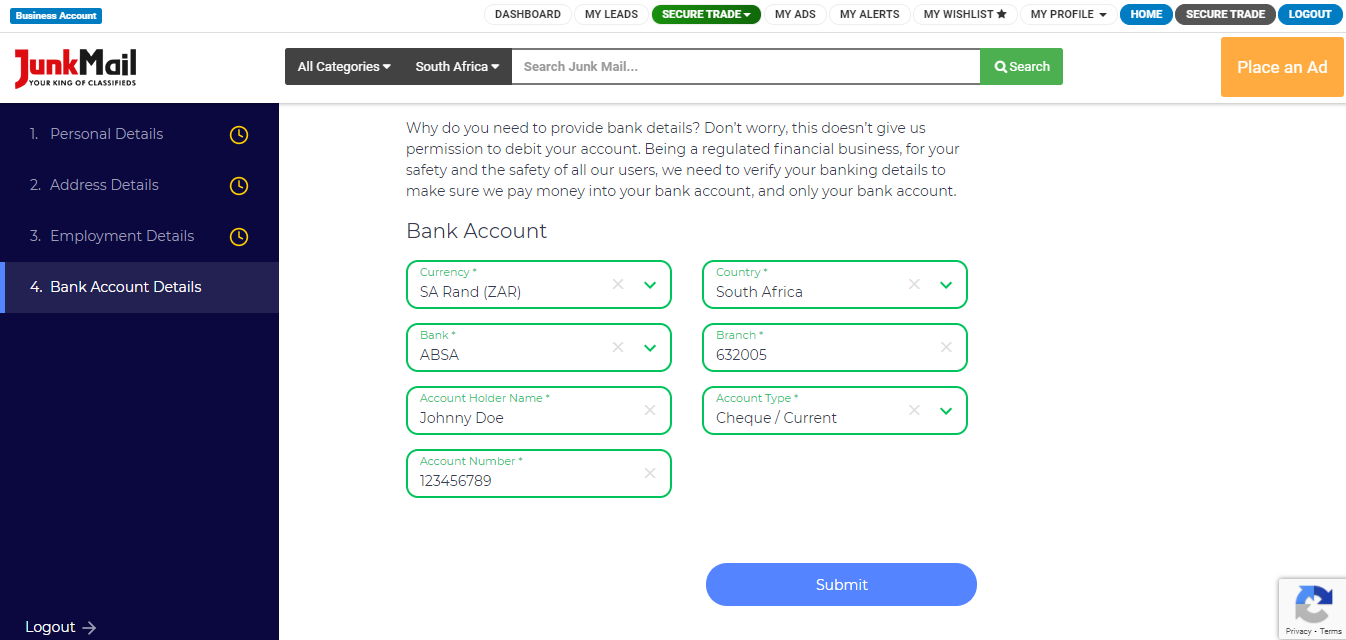
Bank Account Details
- Currency
- Country
- Bank name
- Branch
- Account Holder Name
- Account type
- Account Number
And then select your notification settings.
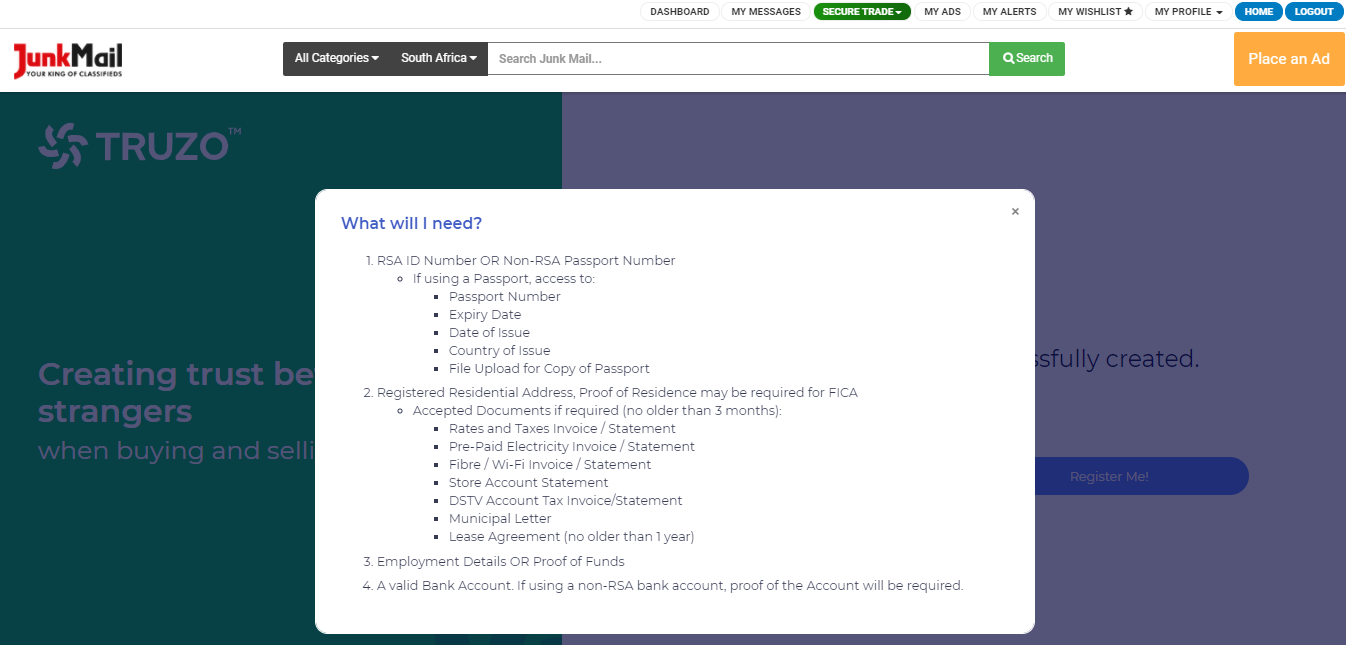
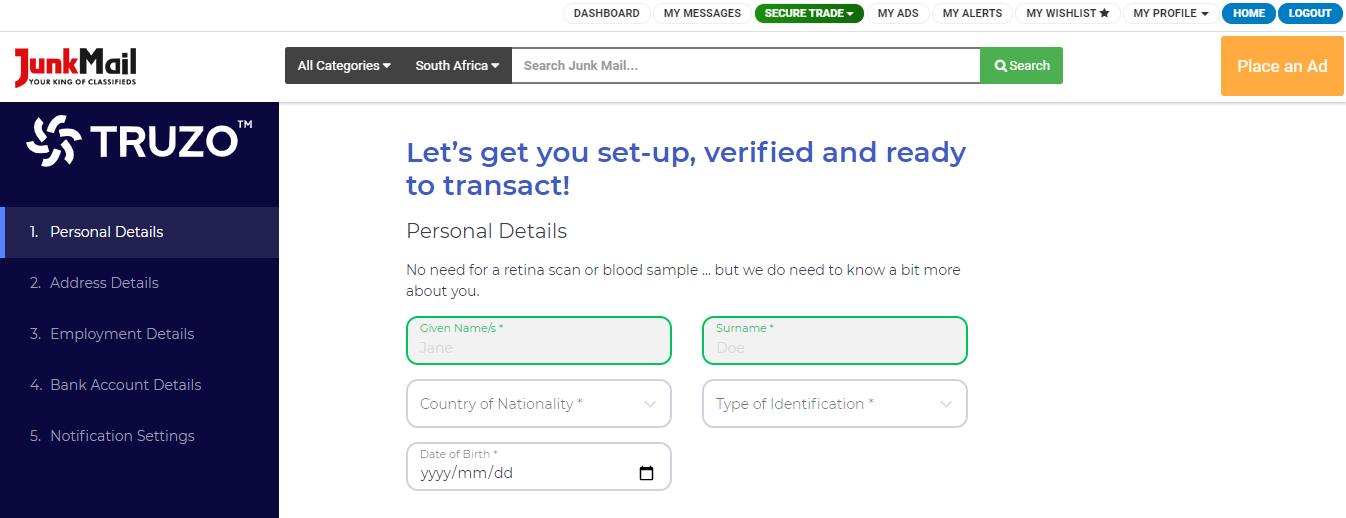
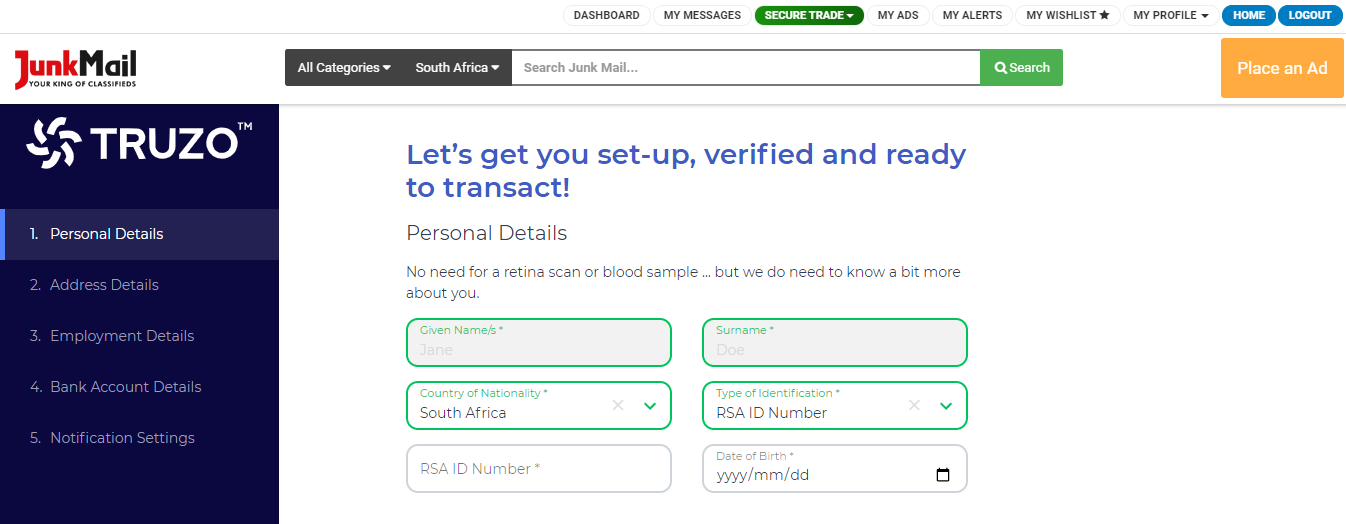
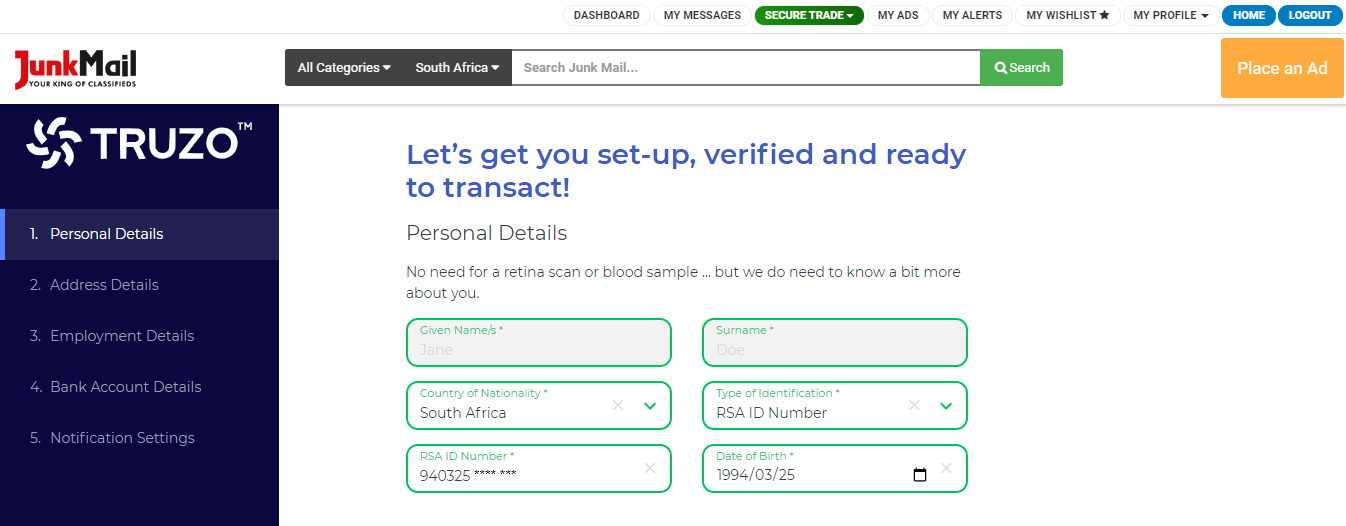
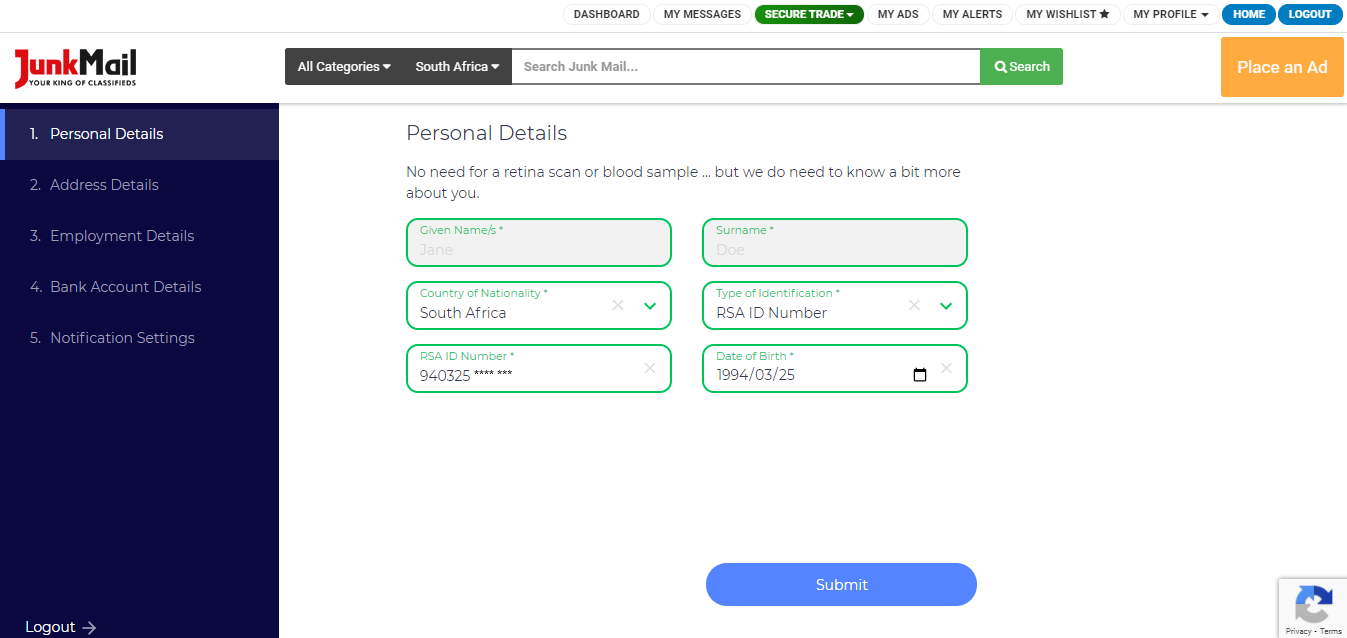
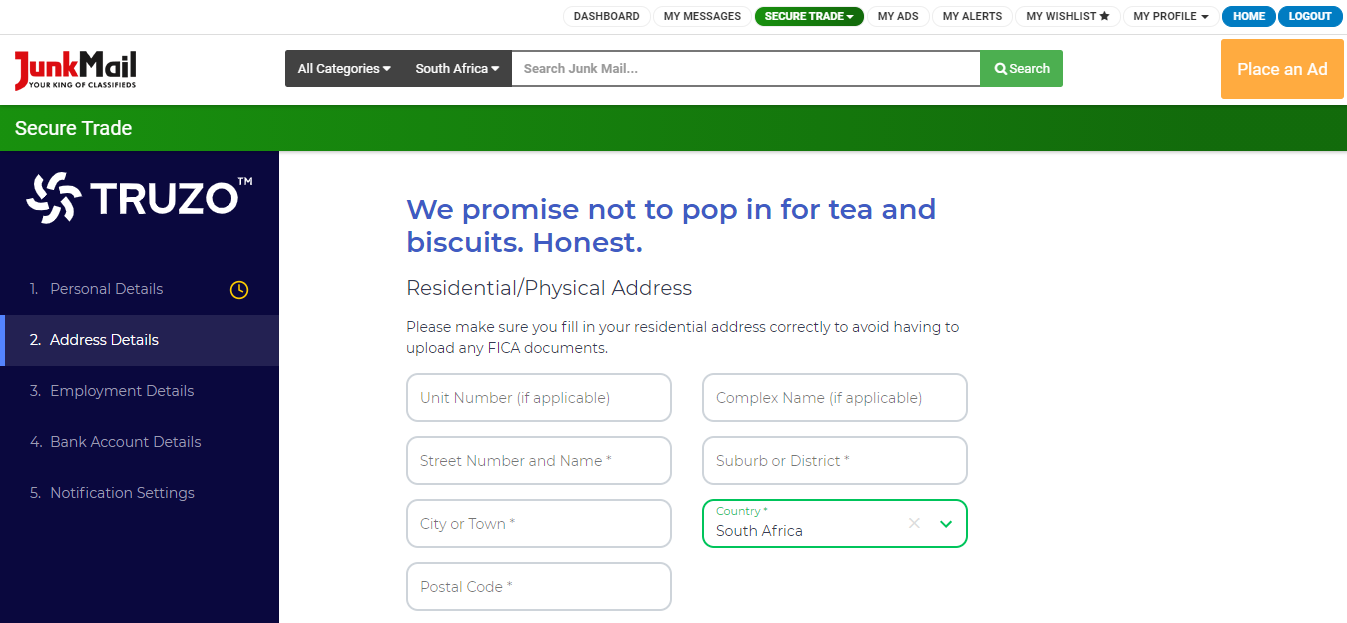
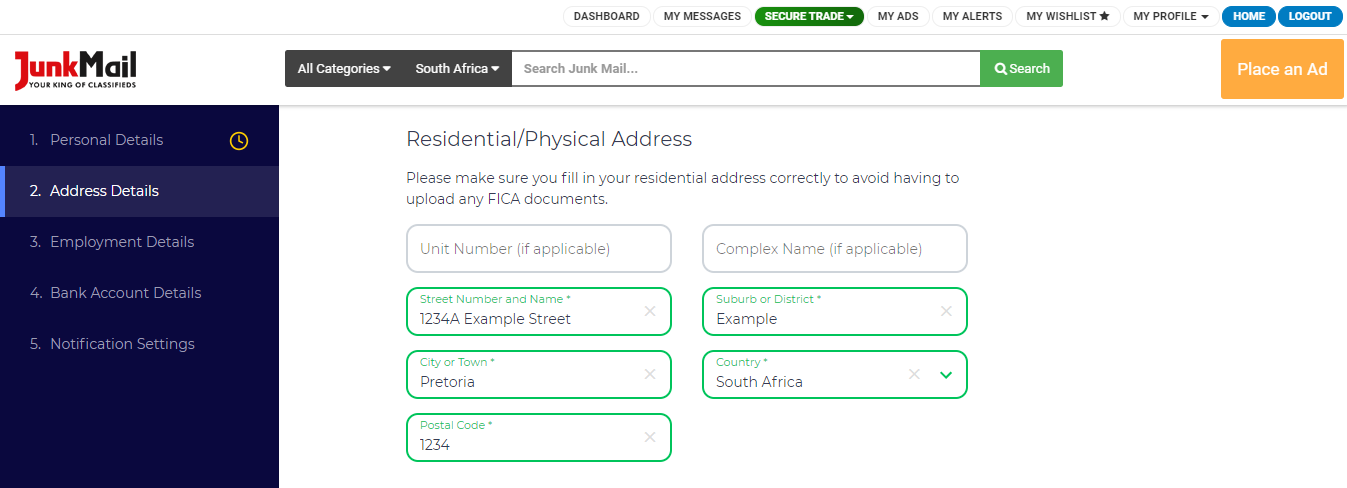
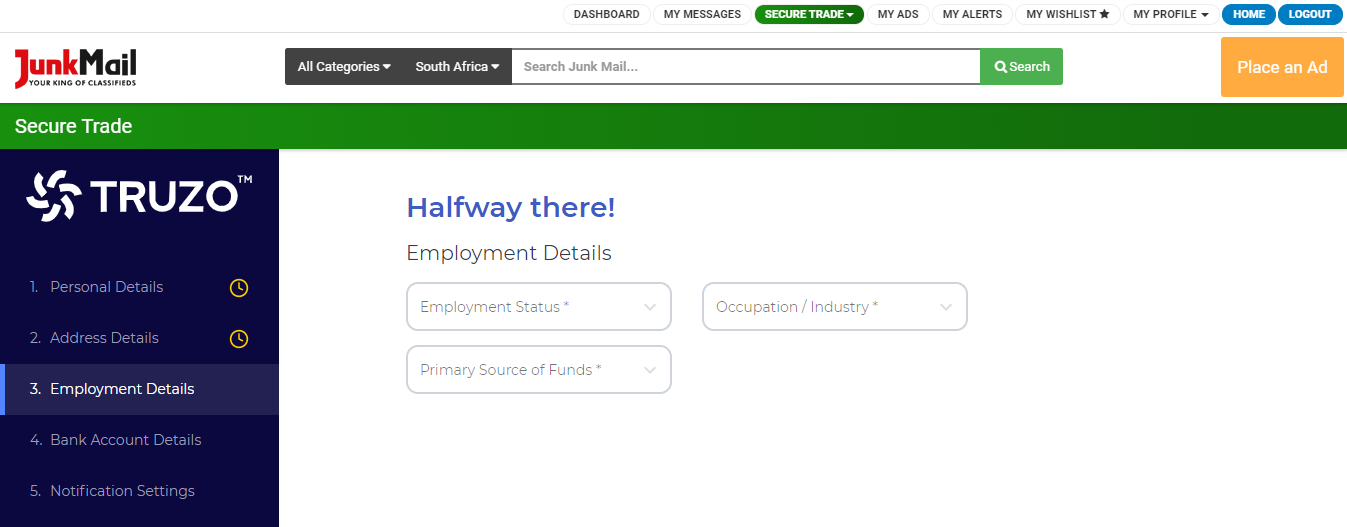
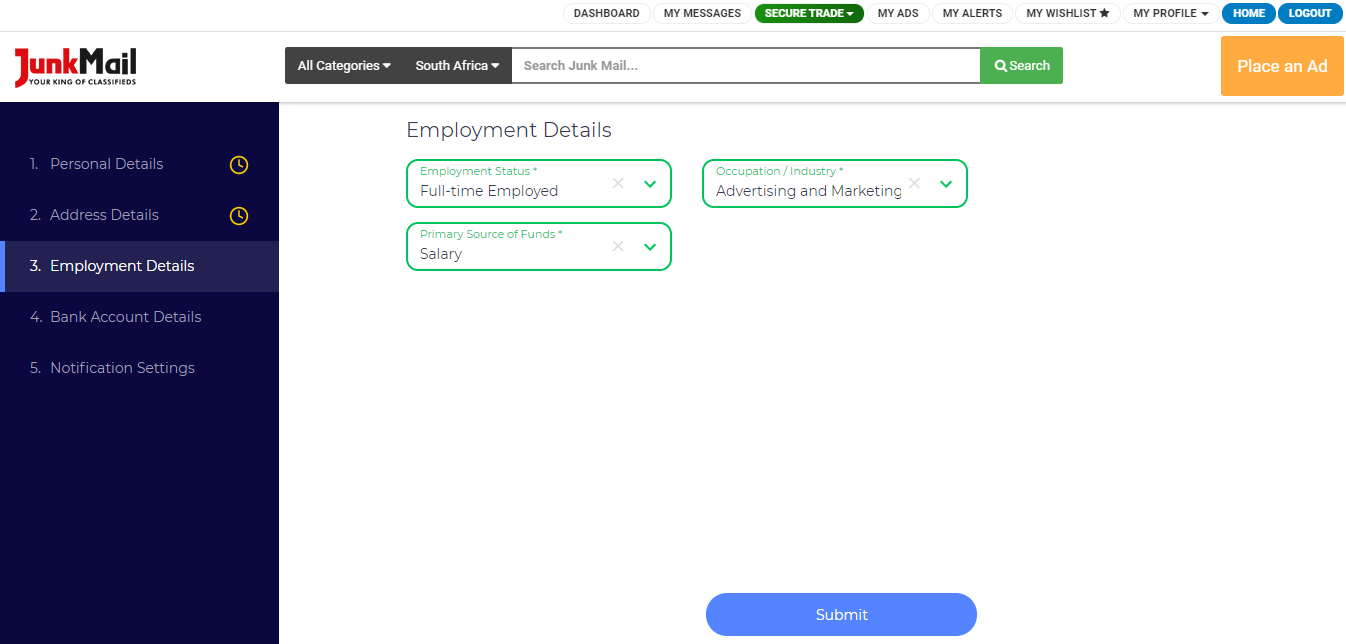
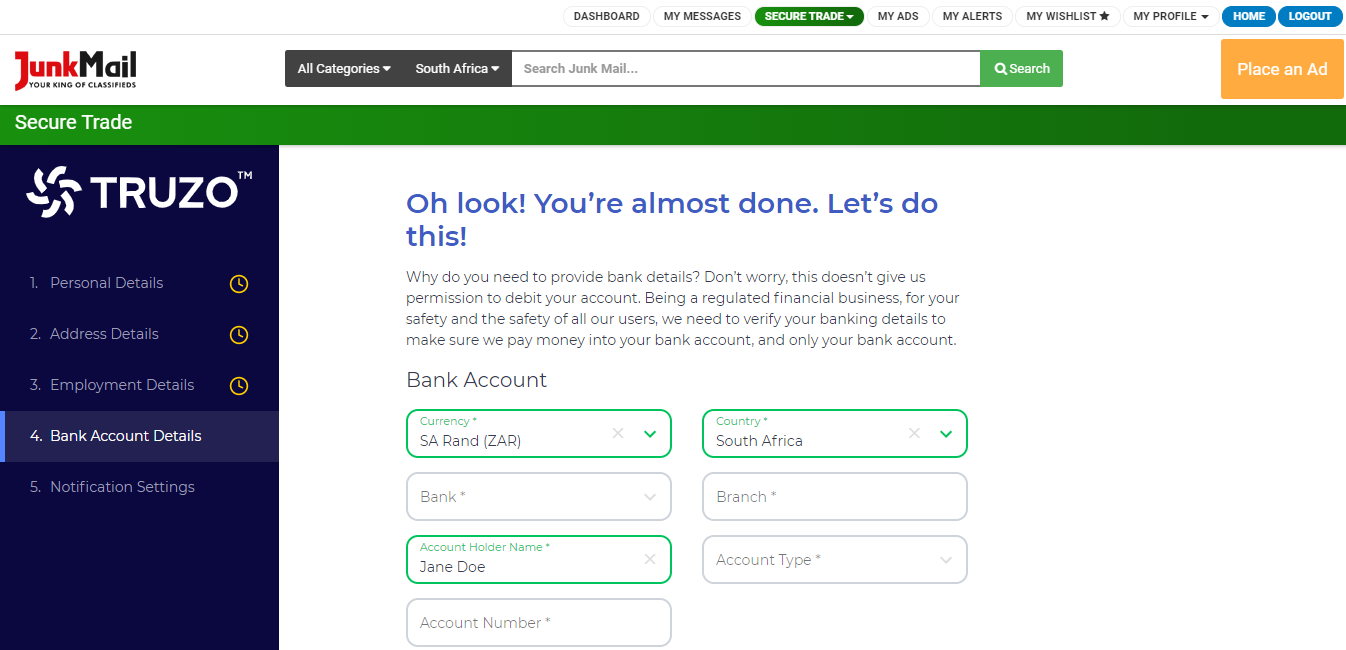
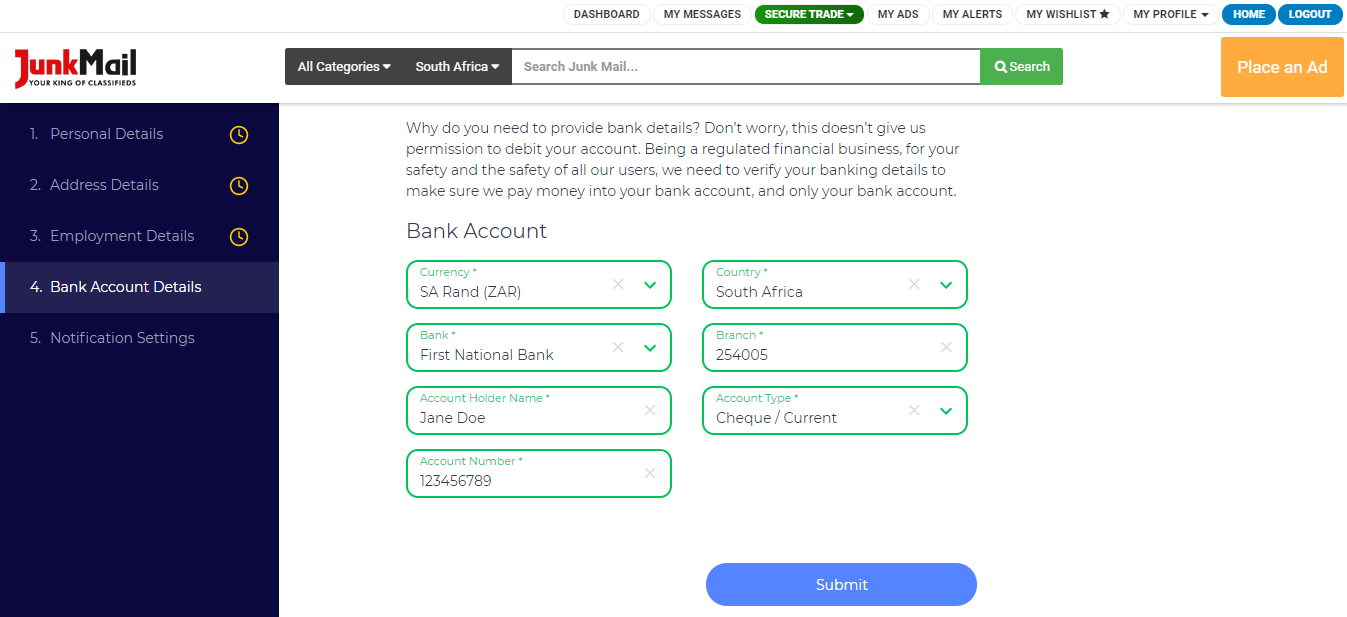
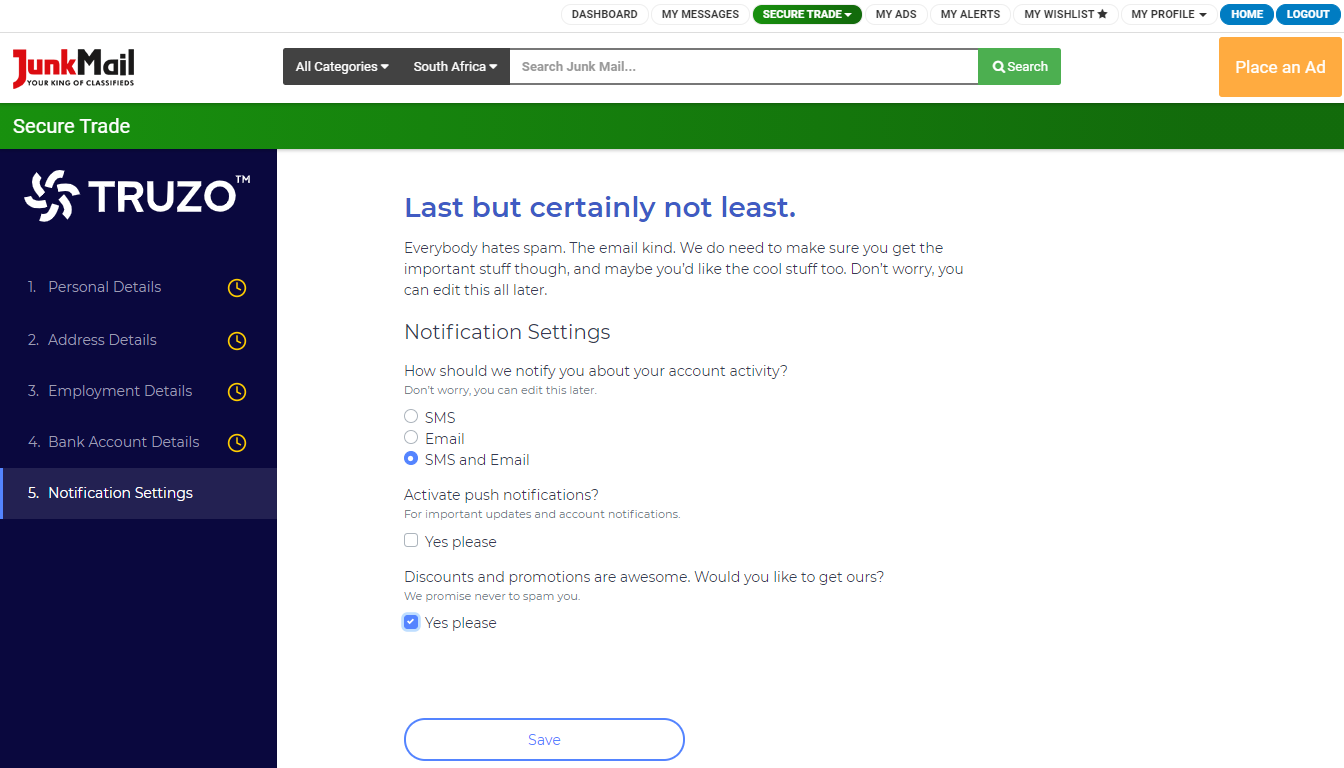
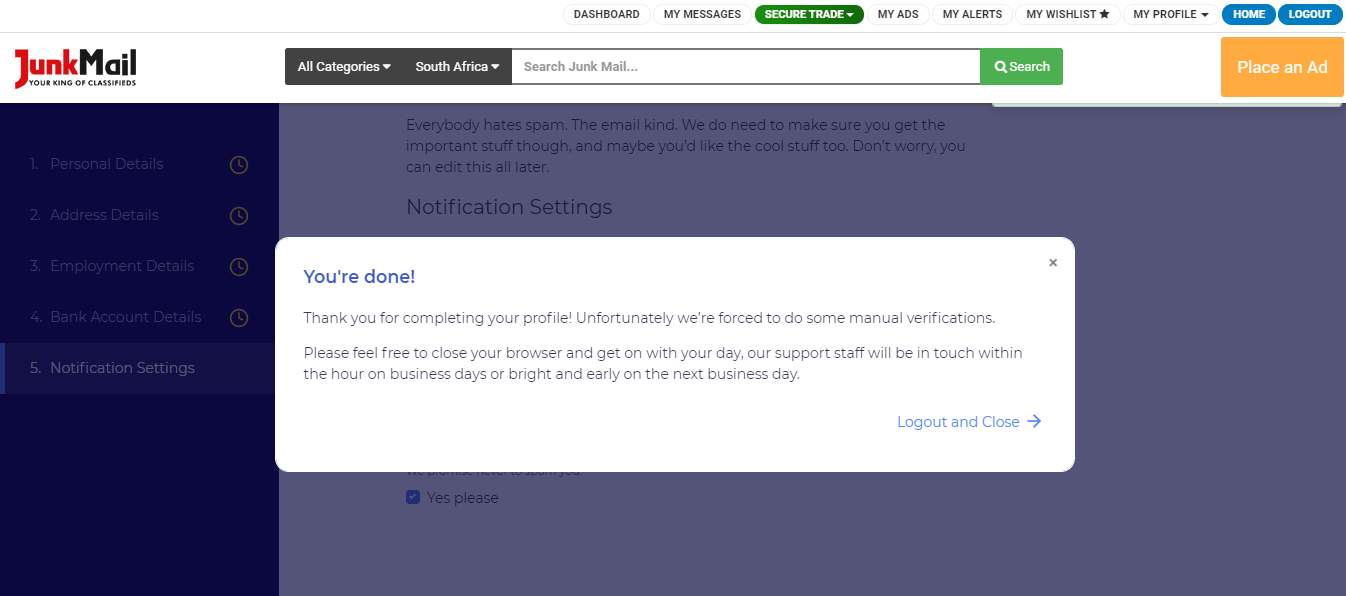
Please note that all of the above details are required by Truzo in order for them to verify you are who you say you are.
If any details are changed on this profile, your profile will automatically go into a pending state where the information has to be verified.
Registering for Secure Trade as a business
Registering for Secure Trade is FREE! You can register by following the steps below.
Step 1:
Go to the registration page and click ‘Register’ in the top right-hand corner.
Step 2:
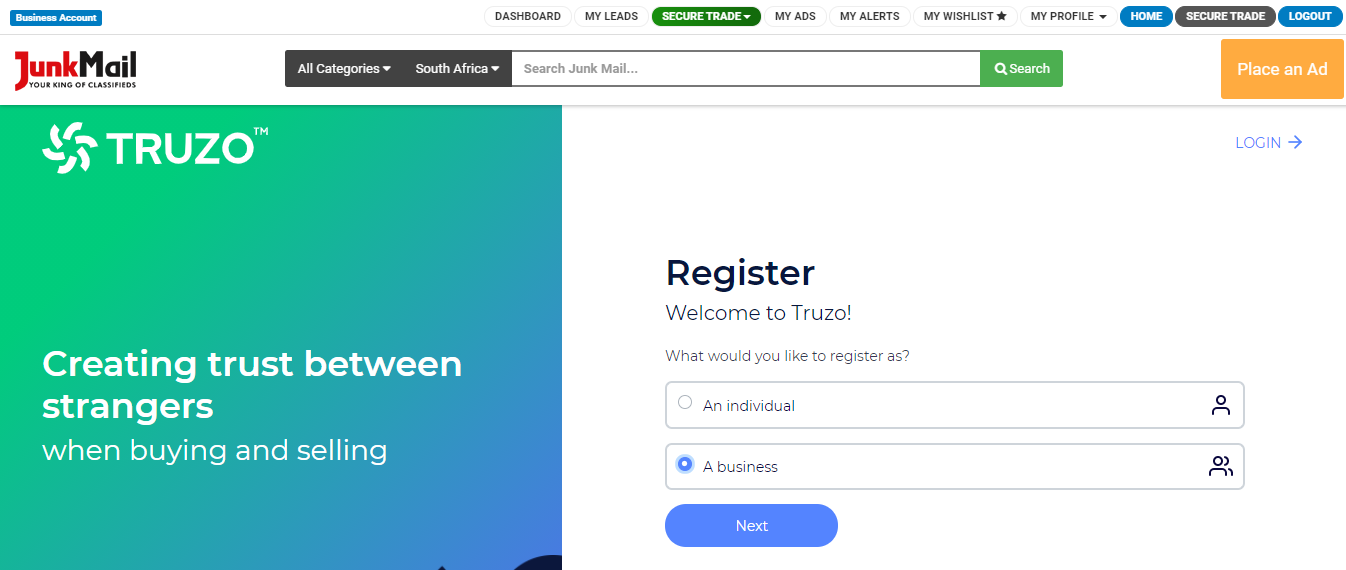
Select whether you are registering as an individual or a business. In this case, select ‘business’.
Step 3:
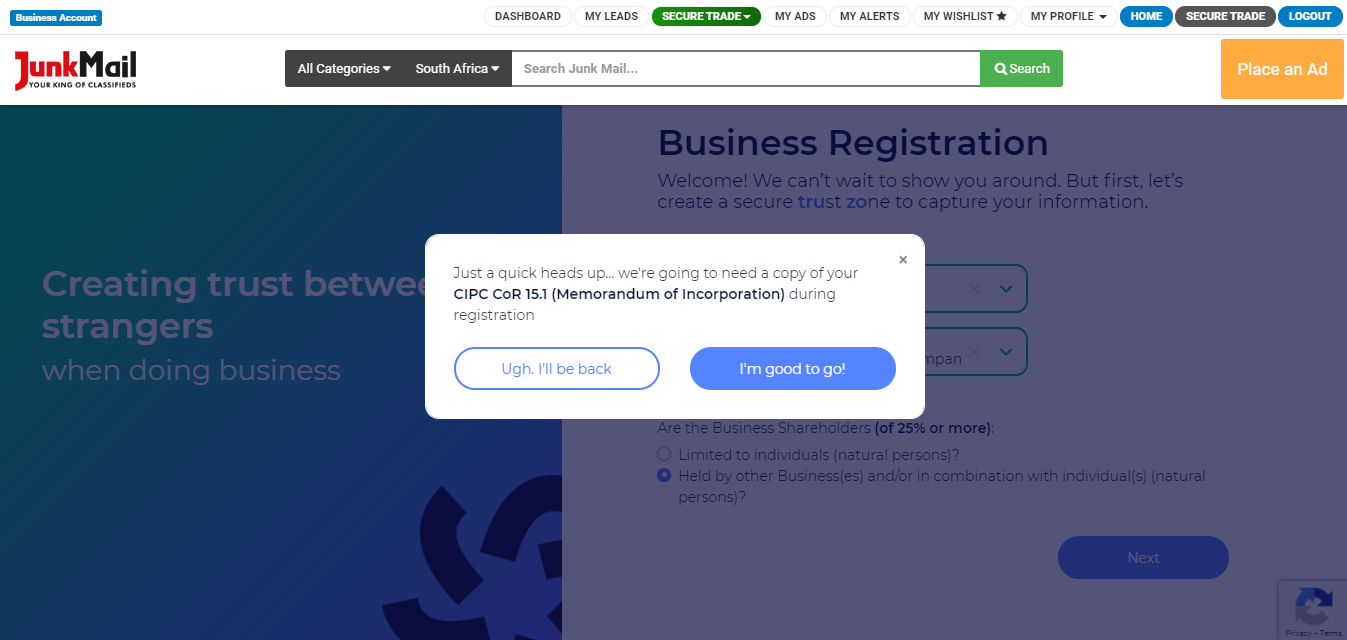
Select your business status and type.
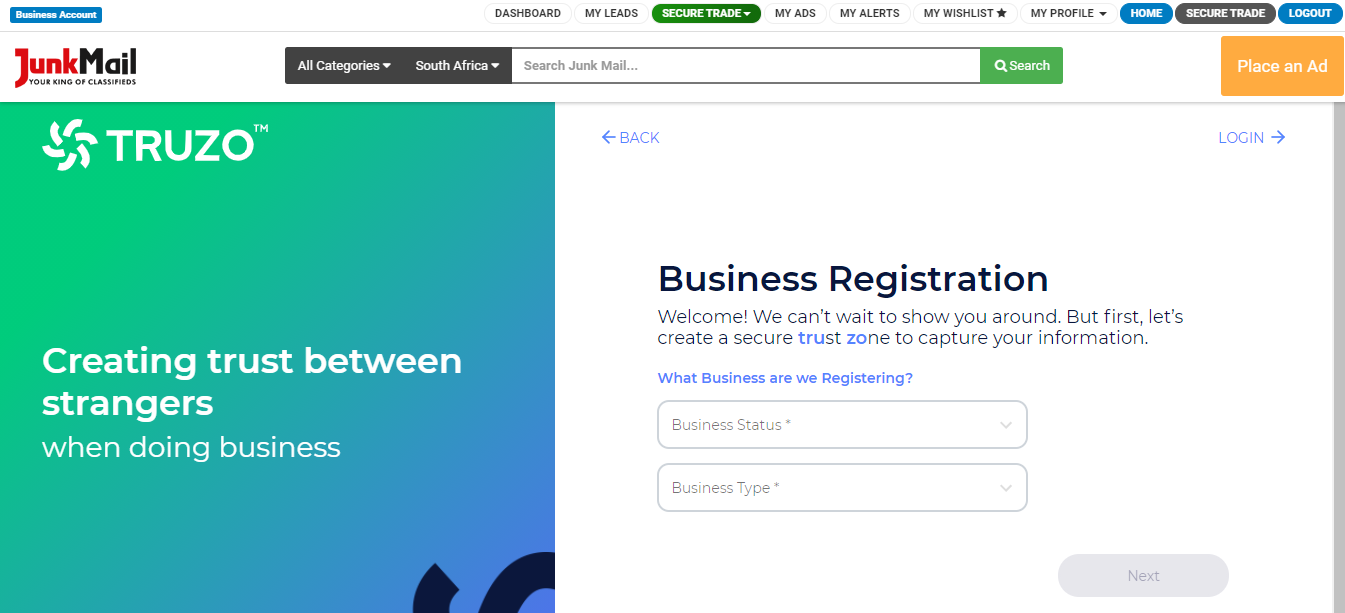
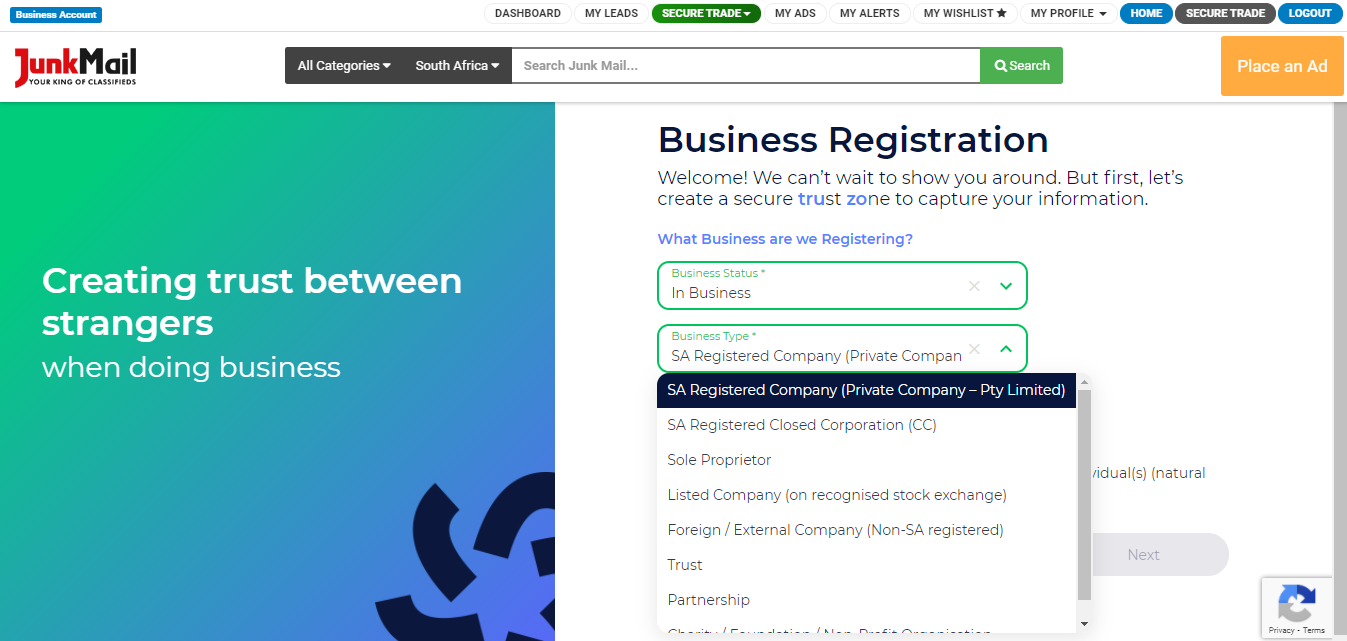
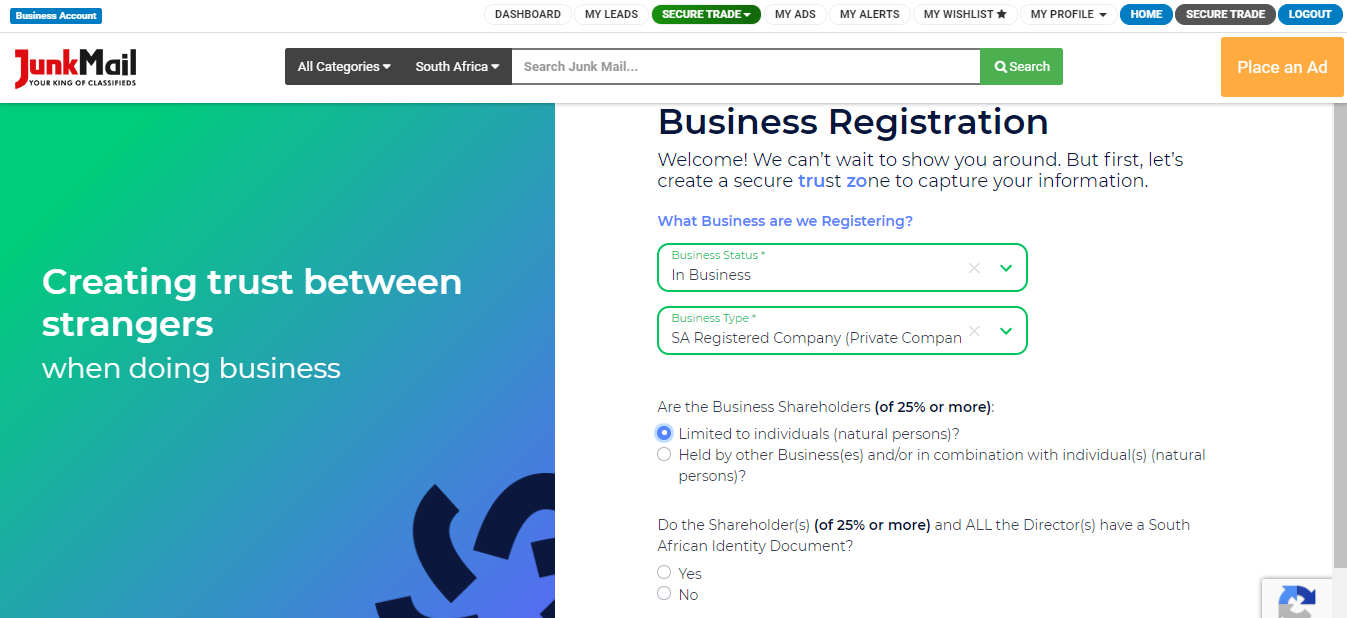
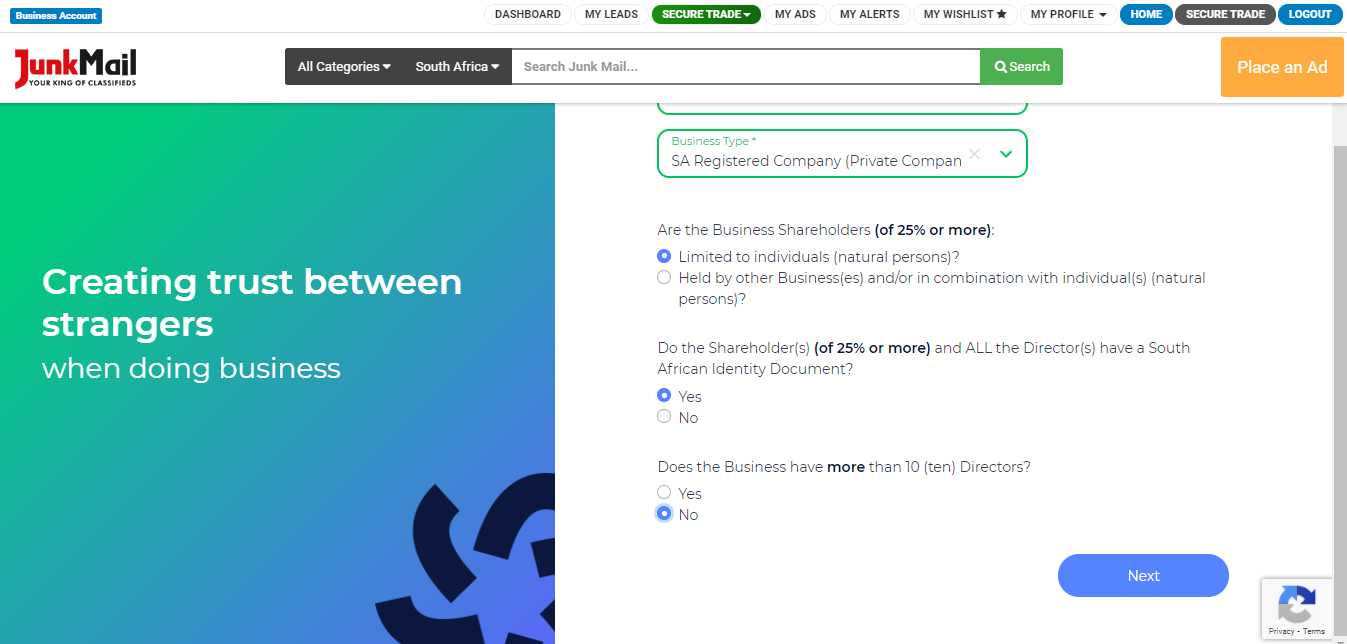
Based on your selections, Truzo might ask for your CIPC CoR 15.1 (Memorandum of Incorporation) documents.
Step 4:
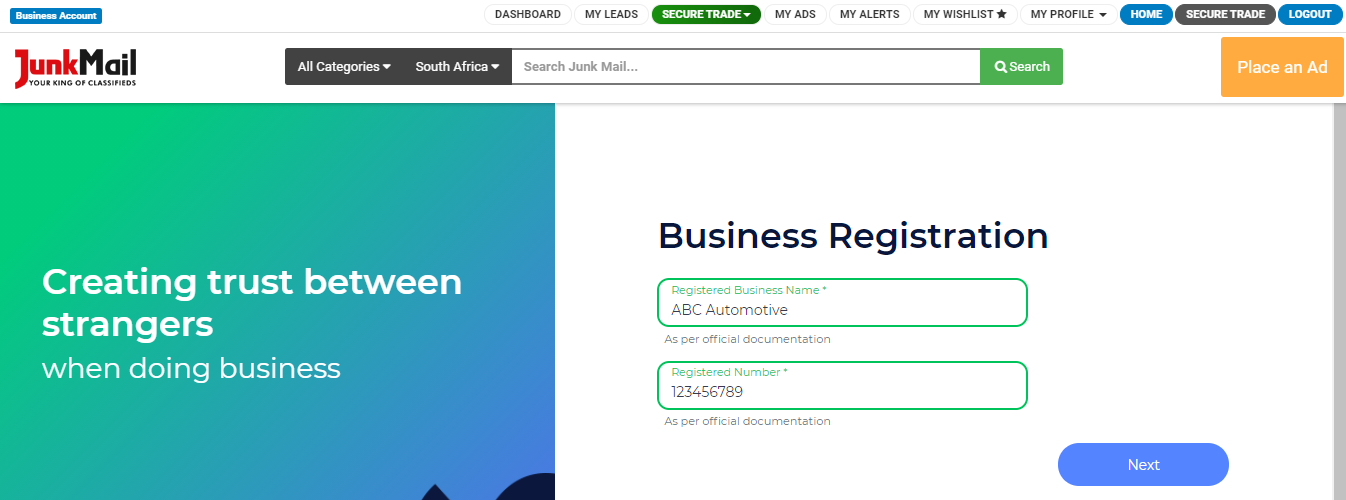
Provide your business name and registration number.
Step 5:
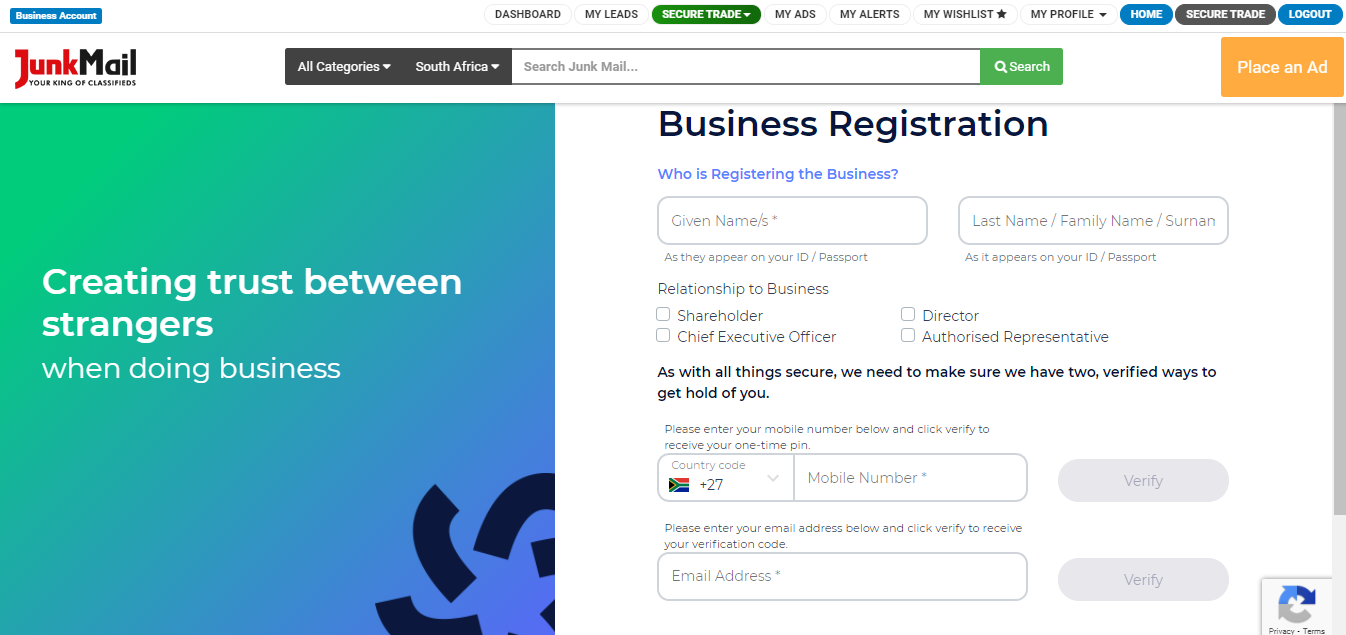
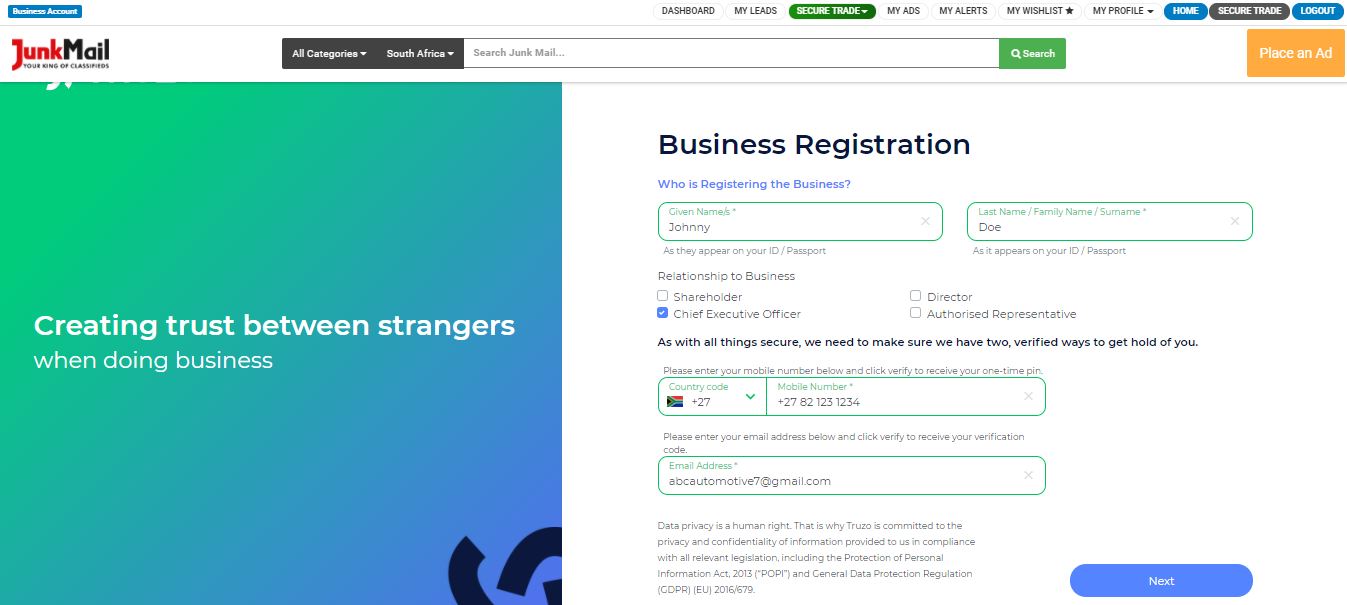
Provide your personal details and relationship to the business.
You’ll need to verify your contact number and email address by clicking ‘Verify’ next to each item and filling in the codes sent to you.
If you don’t receive your email verification, please check your spam folder.
Step 6:
Create a password for your account. Use the directions as indicated on the screen.
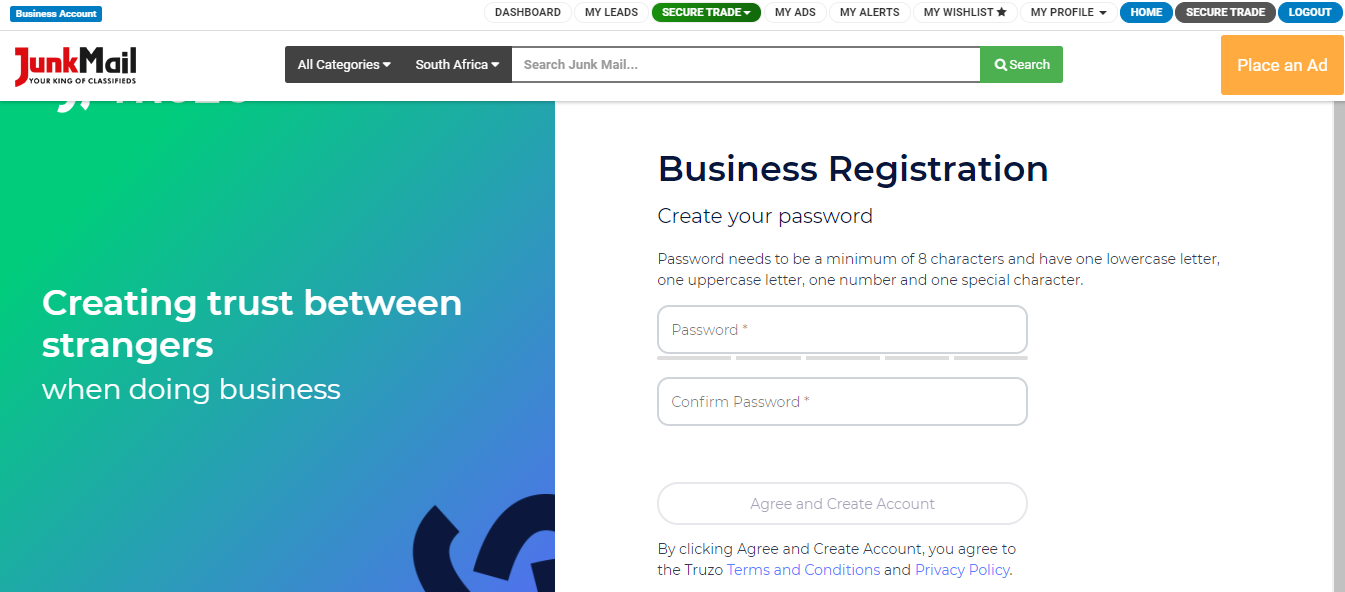
Then select ‘Agree and Create Your Account’.
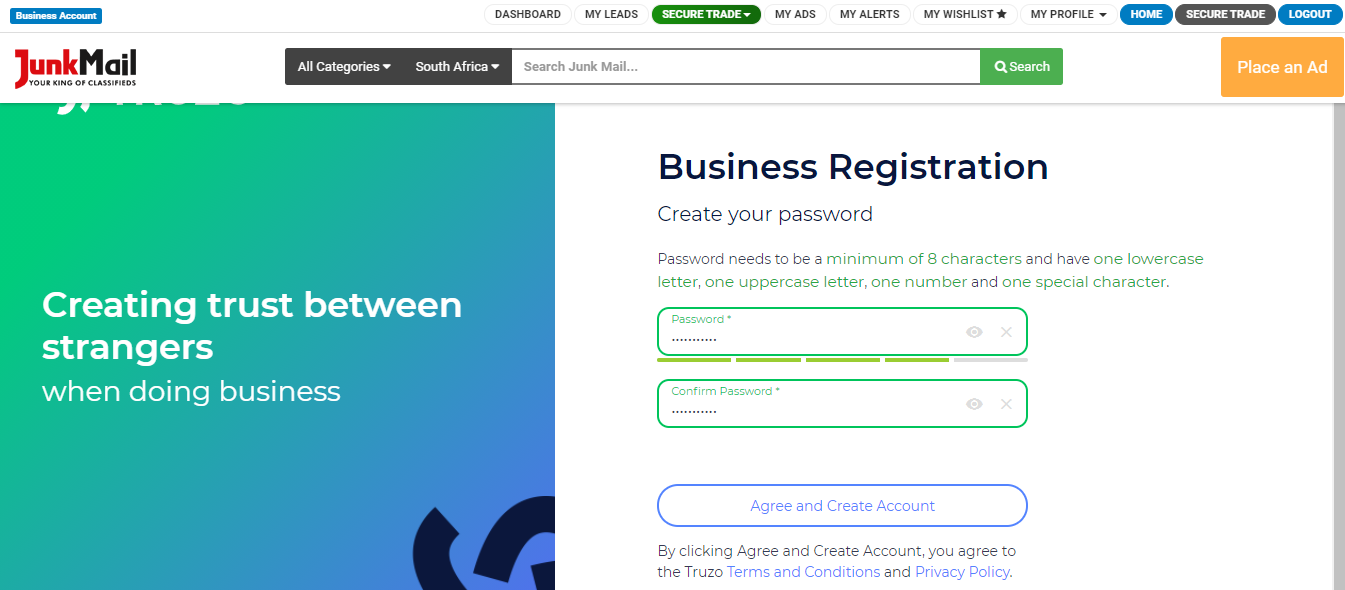
Step 7:
Click on ‘Register Me’ to successfully create your profile with Truzo.
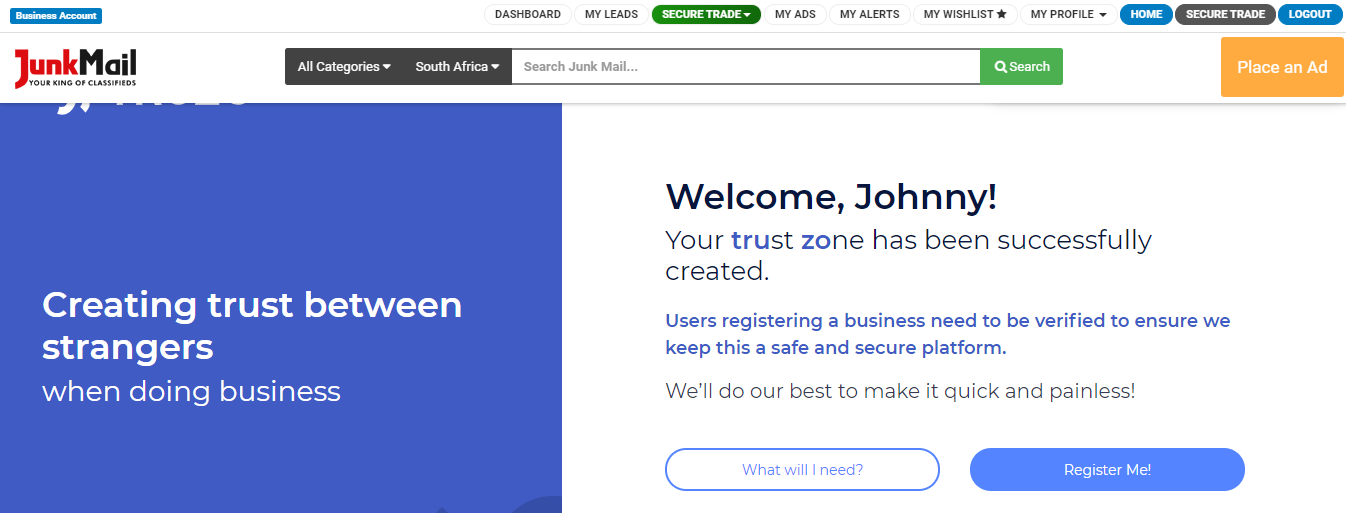
You will receive an email when your account has been successfully created.
Step 8:
Complete your profile by filling in your:
Personal Details
- Name
- Surname
- Nationality
- ID type
- ID number
- Date of birth
Address Details
- Unit number (if applicable)
- Complex name (if applicable)
- Street number and name
- Suburb
- City or town
- Country
- Postal code
Employment Details
- Employment status
- Occupation/industry
- Primary source of funds, such as salary, pension, grant, etc.
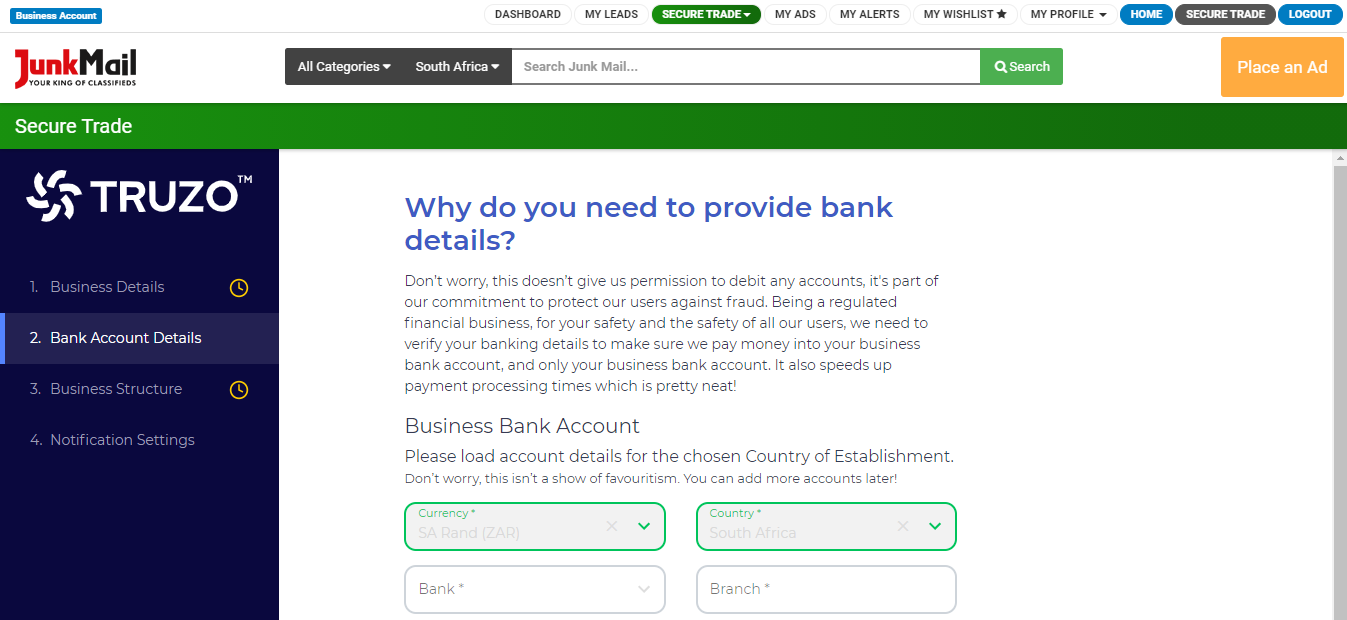
Bank Account Details
- Currency
- Country
- Bank name
- Branch
- Account Holder Name
- Account type
- Account Number
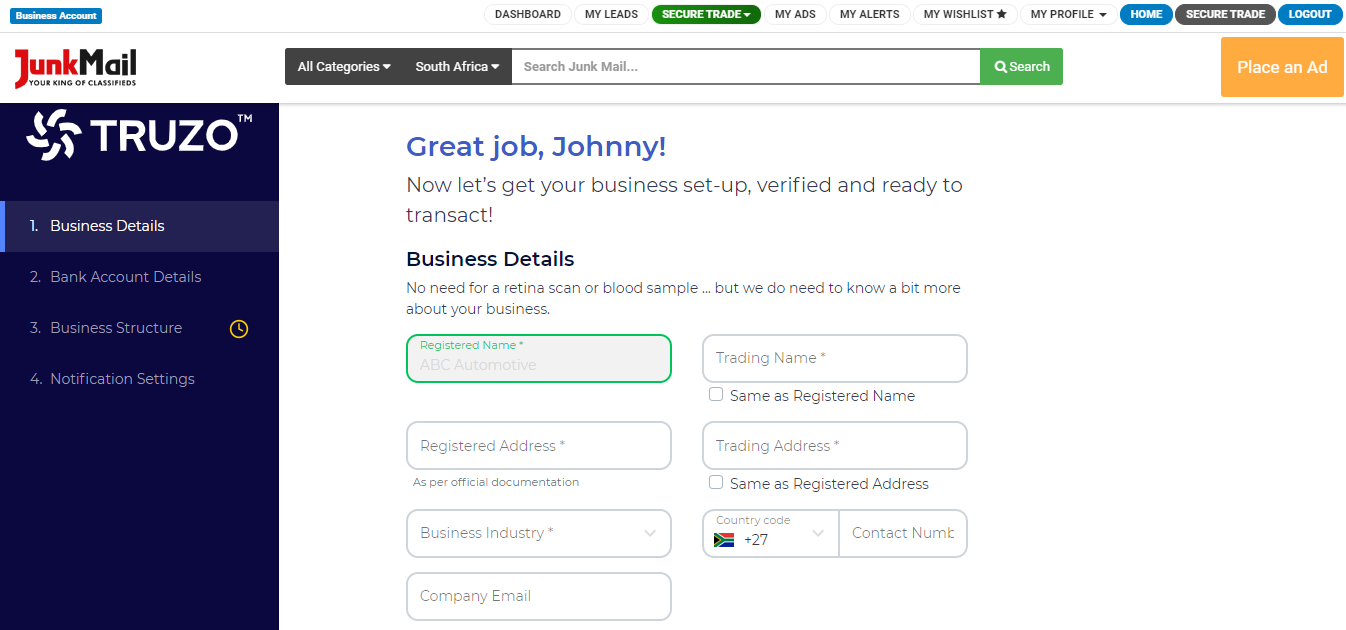
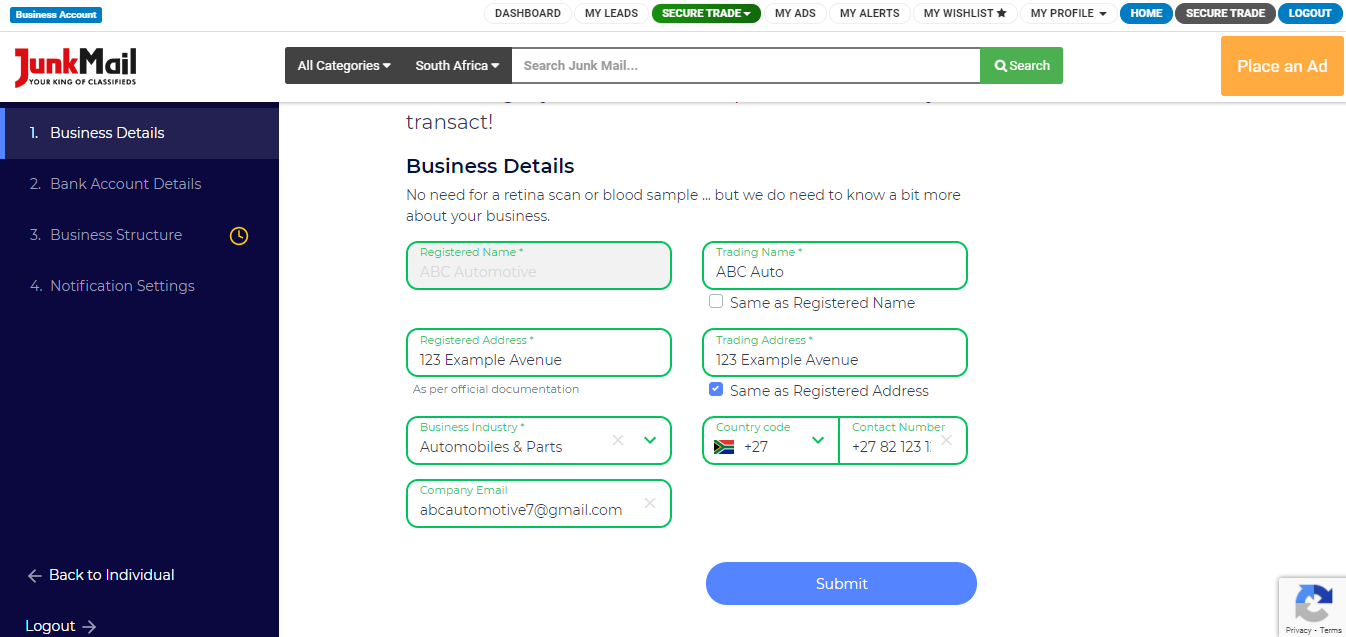
Then you have to fill in the details related to the business.
Business Details
- Registered Name
- Trading Name
- Registered Address
- Trading Address
- Business Industry
- Contact Number
- Company Email
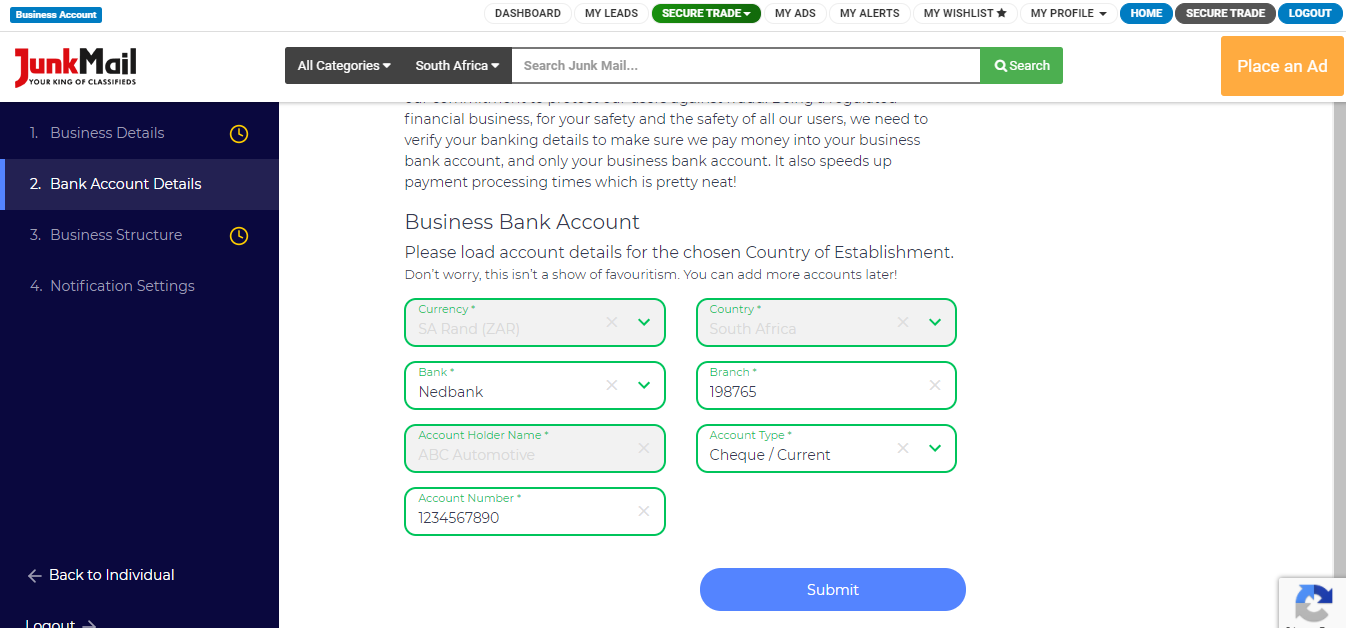
Bank Account Details
- Currency
- Country
- Bank
- Branch
- Account Holder Name
- Account Type
- Account Number
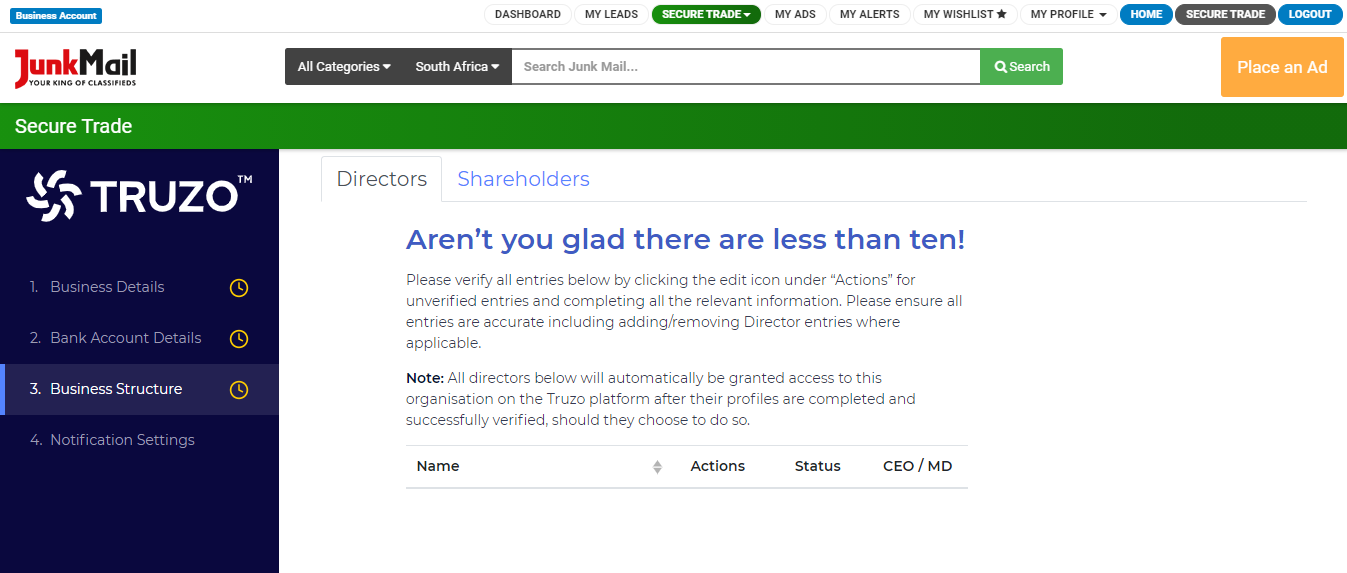
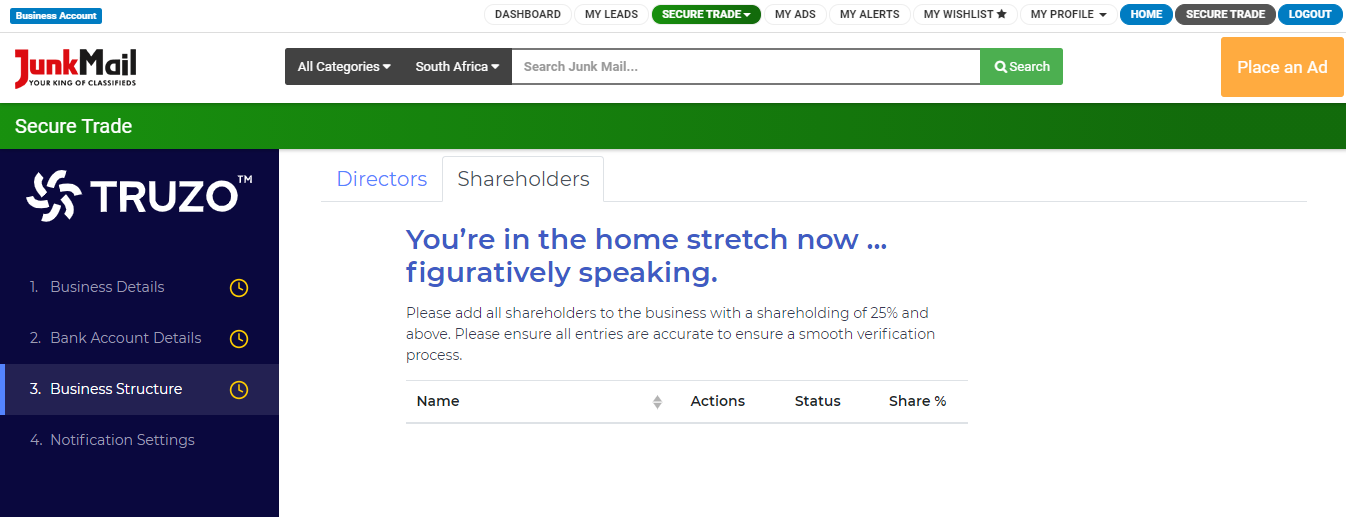
Business Structure
You'll need to list the details of each director and/or shareholder.
- Notification Settings
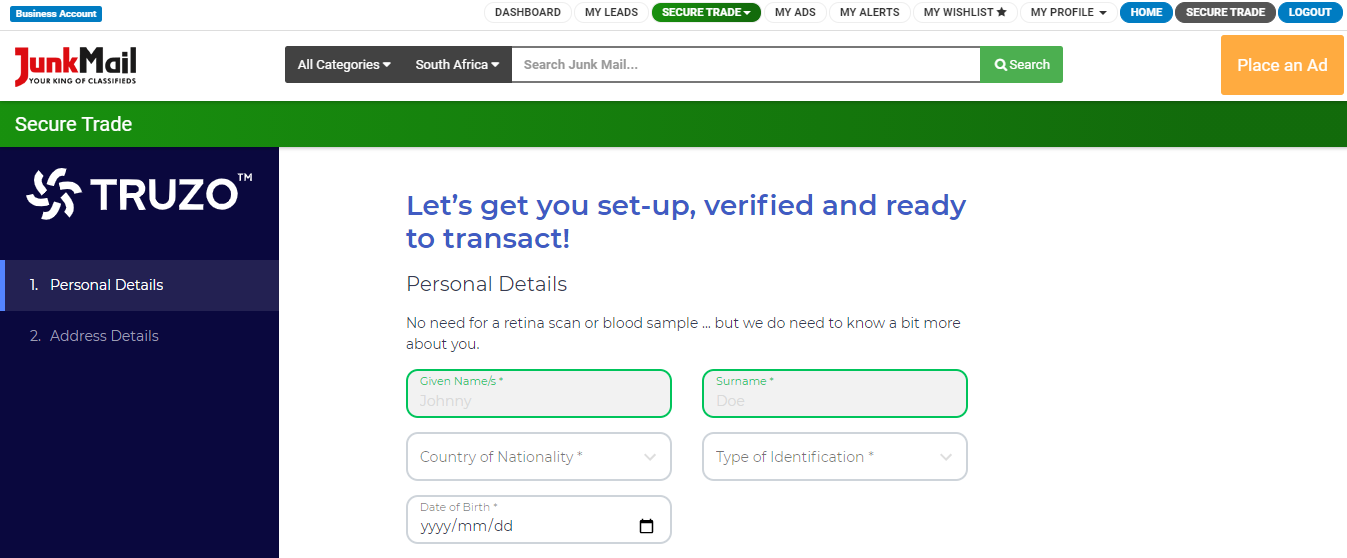
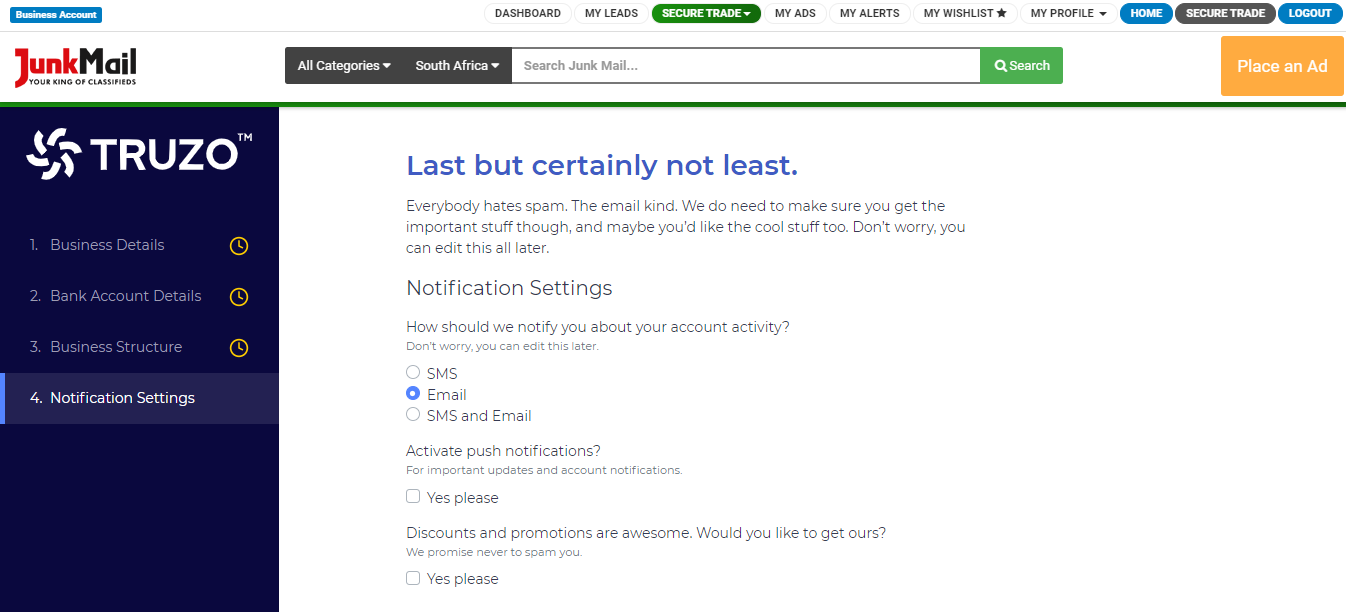
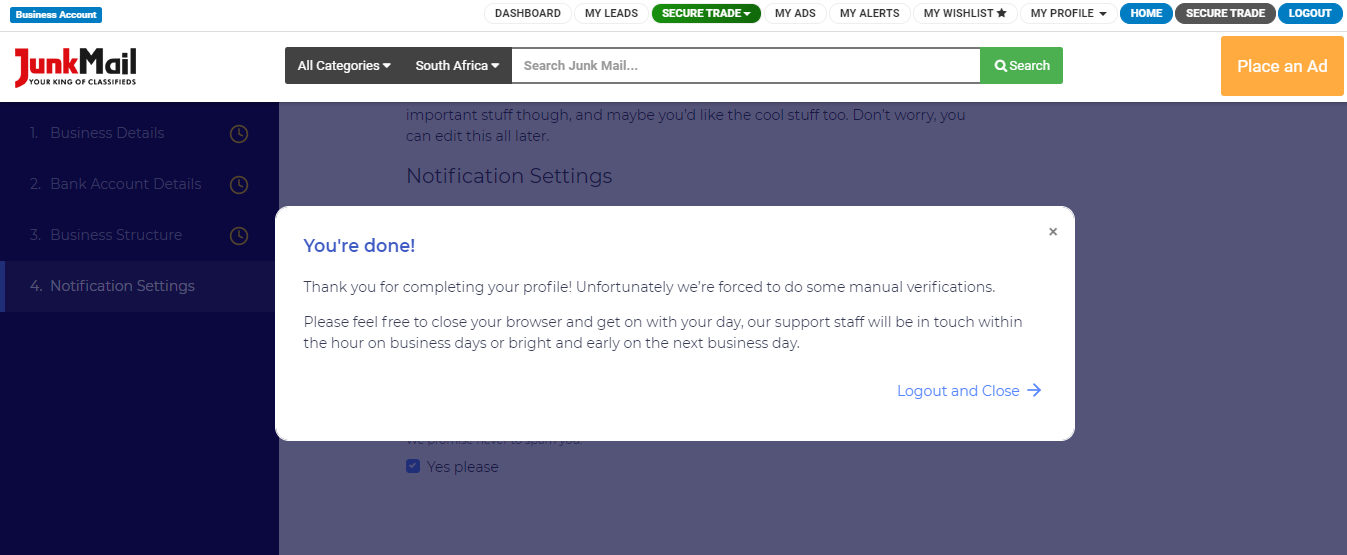
Now that your profile has been set up, you can create transactions and start selling safely on Junk Mail!
Disclaimer:
Secure Trade is a third-party Escrow Services platform powered by Truzo. Truzo is regulated by the Financial Sector Conduct Authority (FSCA) and conducts rigorous compliance checks on every Truzo user to ensure a safe and secure environment. Truzo (Pty) Ltd (2016/390144/07) is an Authorised Financial Service Provider (FSP 51539).